1. Create and record
Start with an idea, your lyrics or a recording. Choose the generator options supported by your model or build your own tracks in the recording studio.
Find your next step with MixingMusic: create songs with Suno or Mureka, record your own tracks, add instruments, mix stems and prepare your master. Explore these 35 images and open the page for each feature.
Start with an idea, your lyrics or a recording. Choose the generator options supported by your model or build your own tracks in the recording studio.
Work with stems using per-track controls and AudioChat. Export your adjustments or generate a separate AI mix, and test a short section before deciding.
Master your mix as an independent step. Explore estimated chords, karaoke videos and free audio tools to prepare your files.
Open an image to learn about the feature. The gallery uses four columns on desktop and two on mobile, with the complete artwork visible. Offers can change: check the current terms on each page.




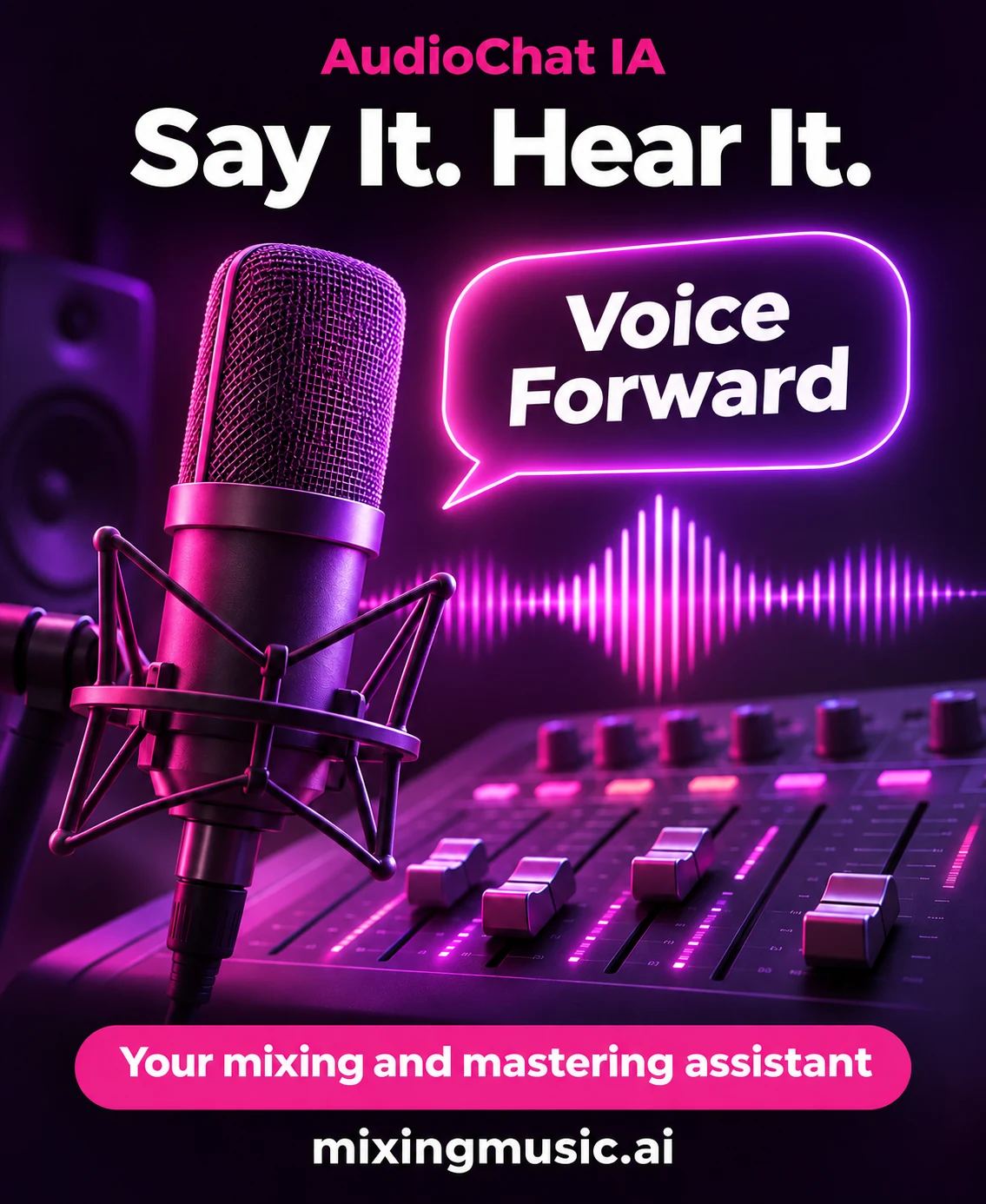














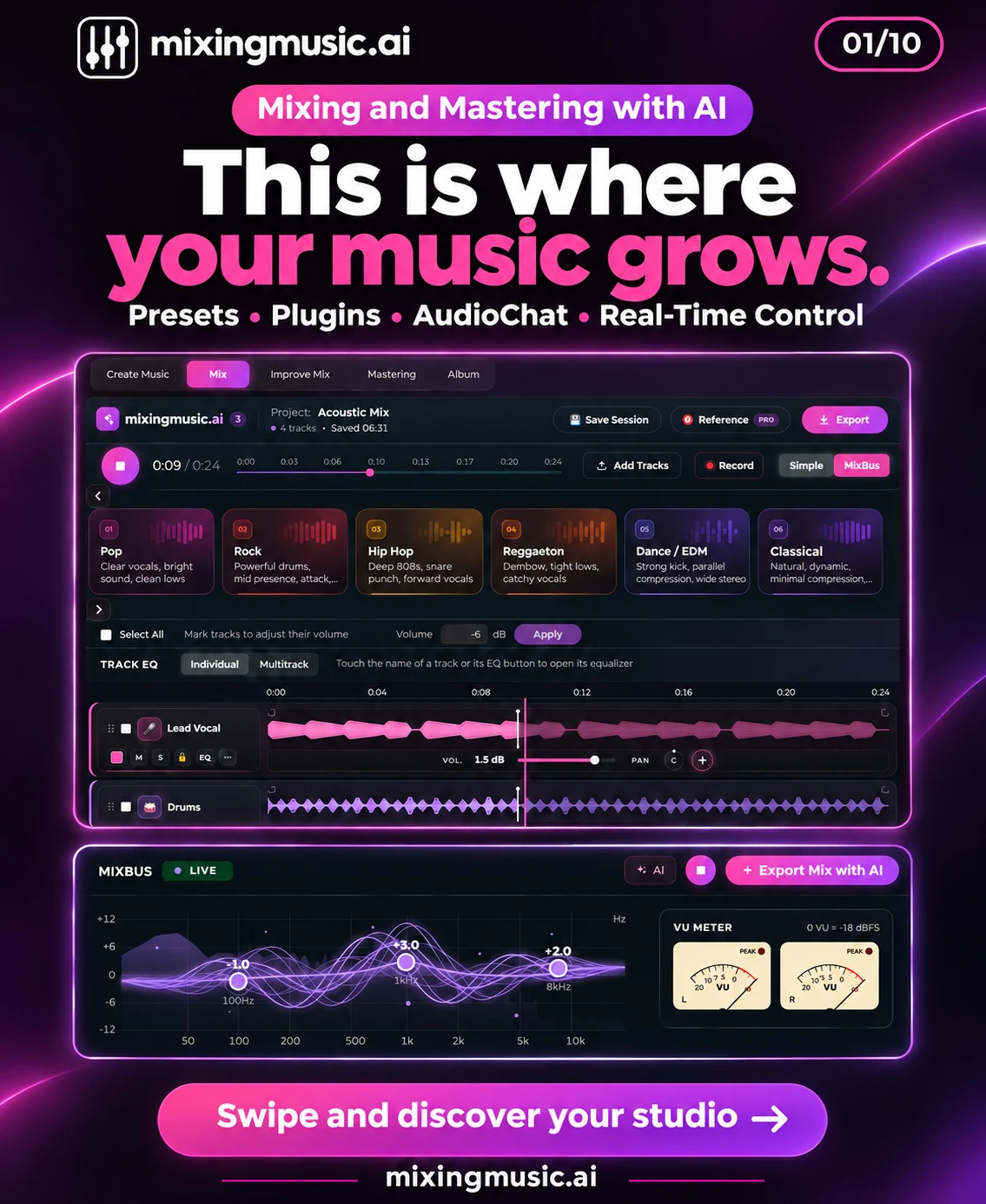
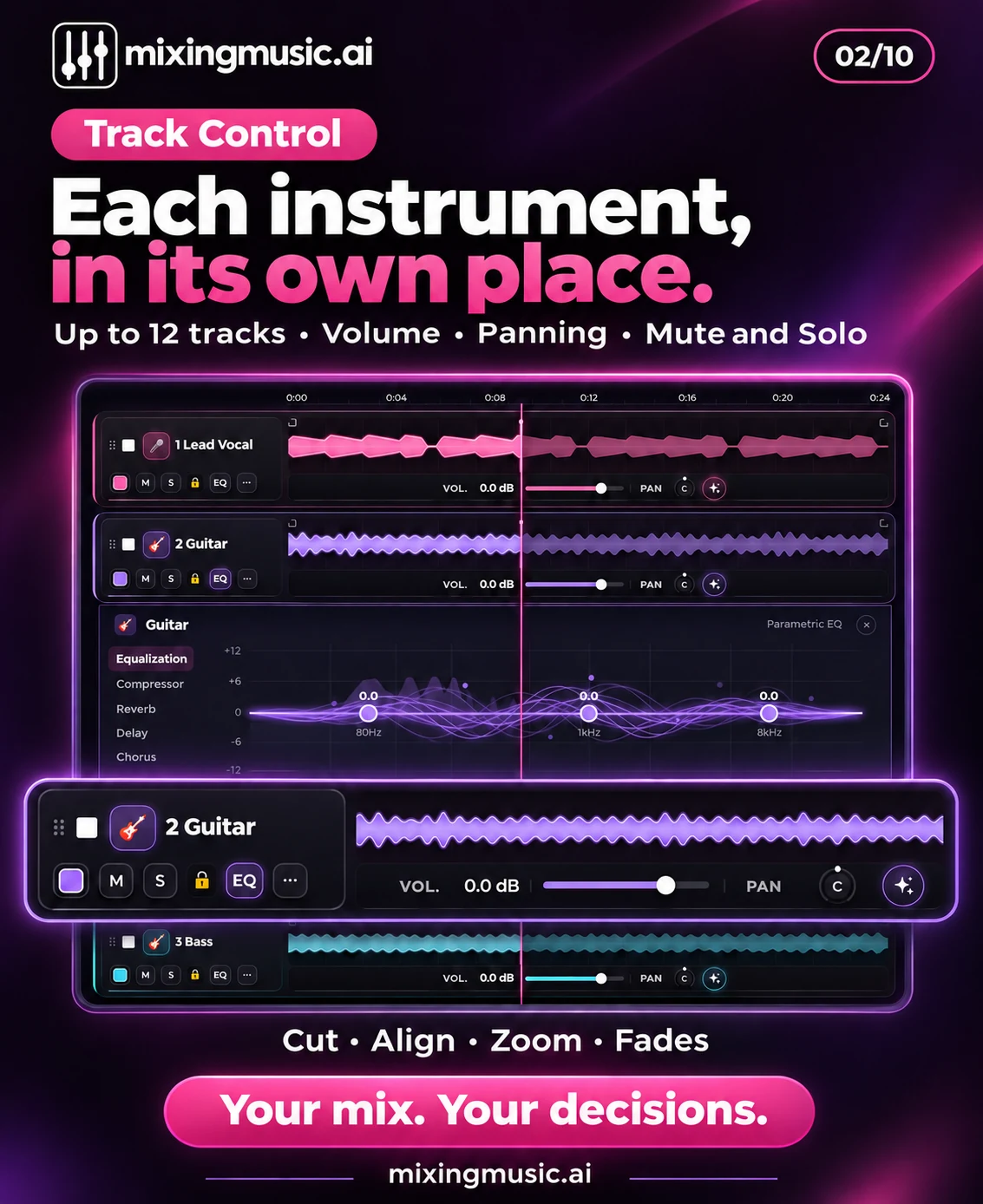
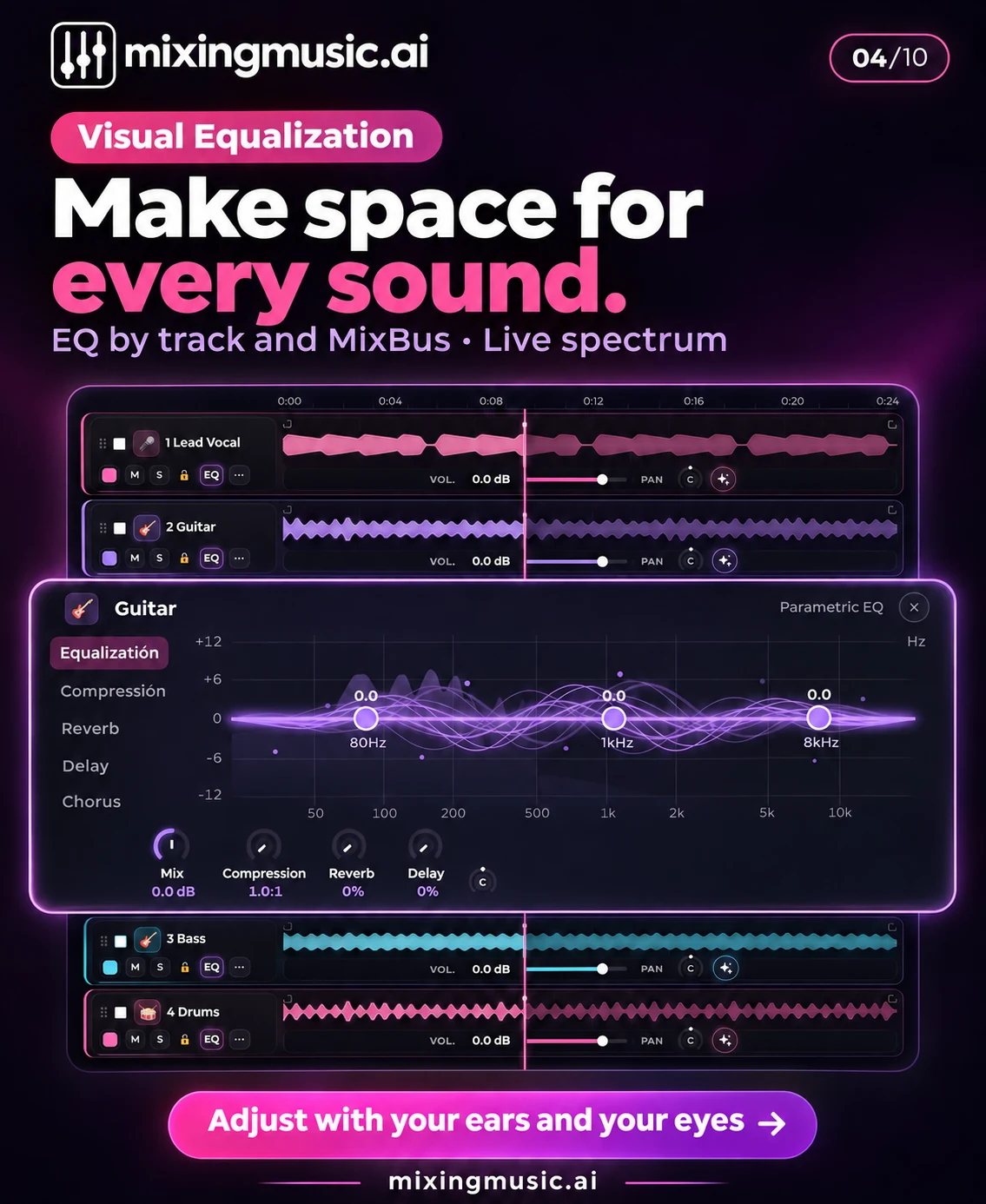
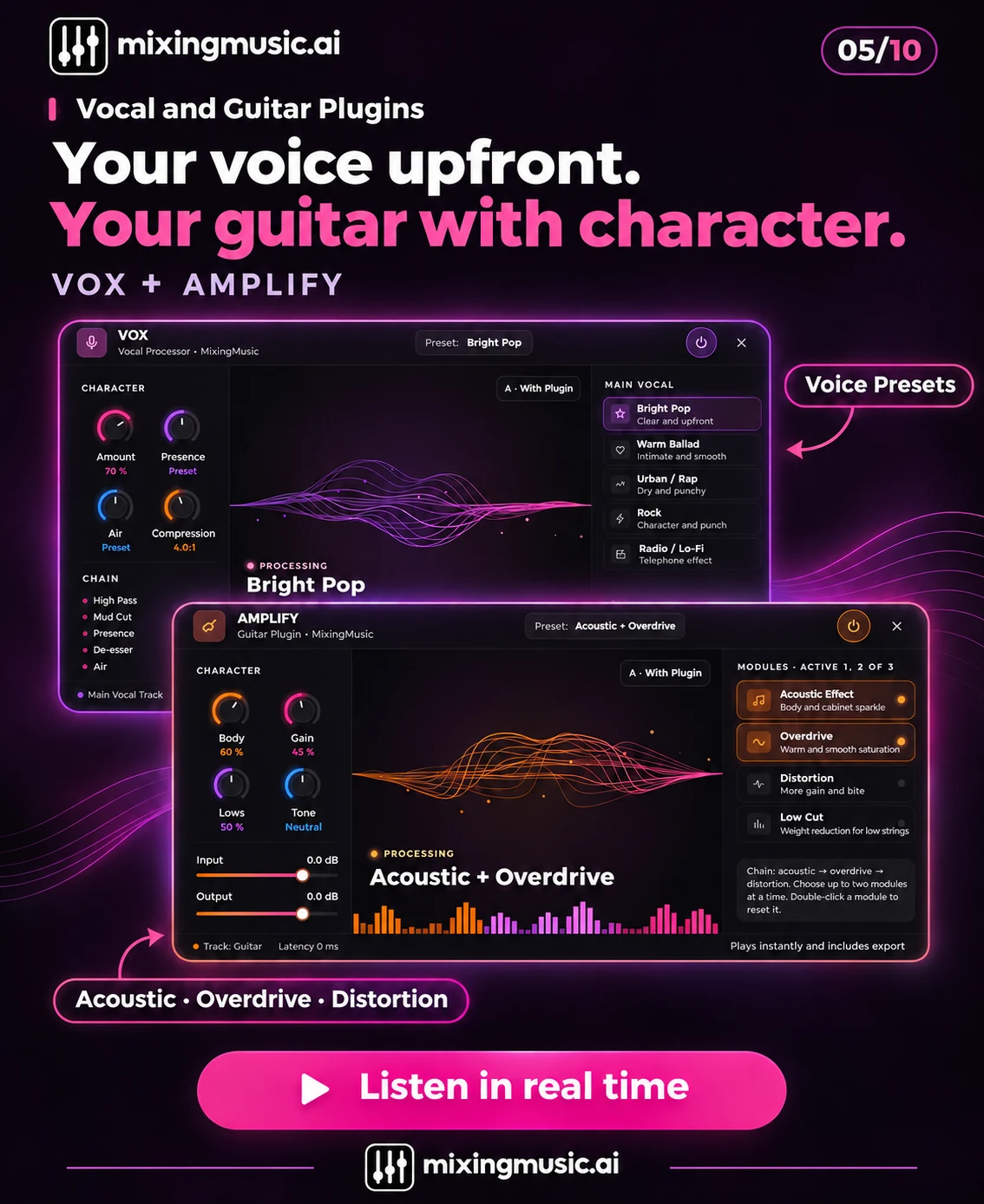
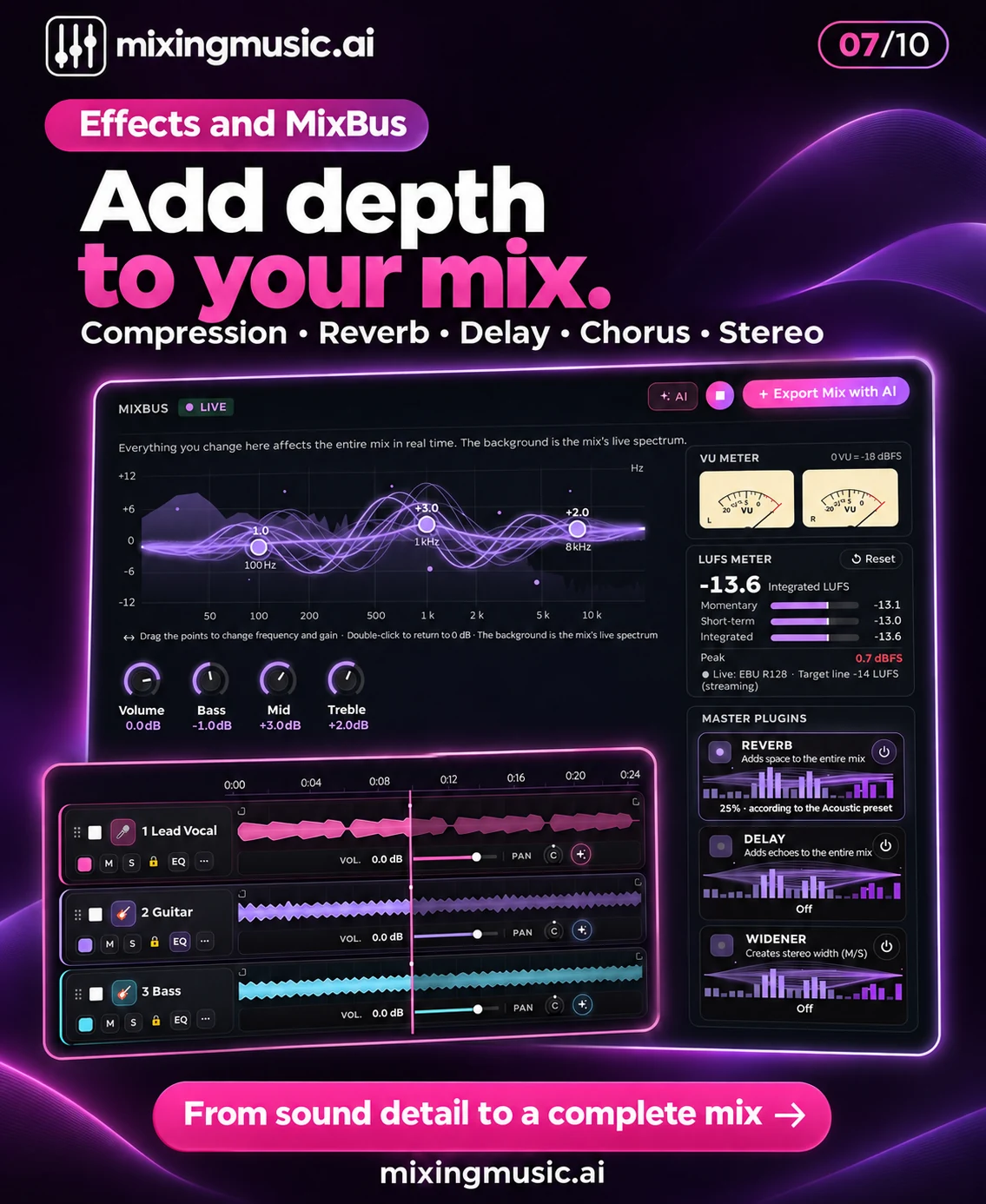
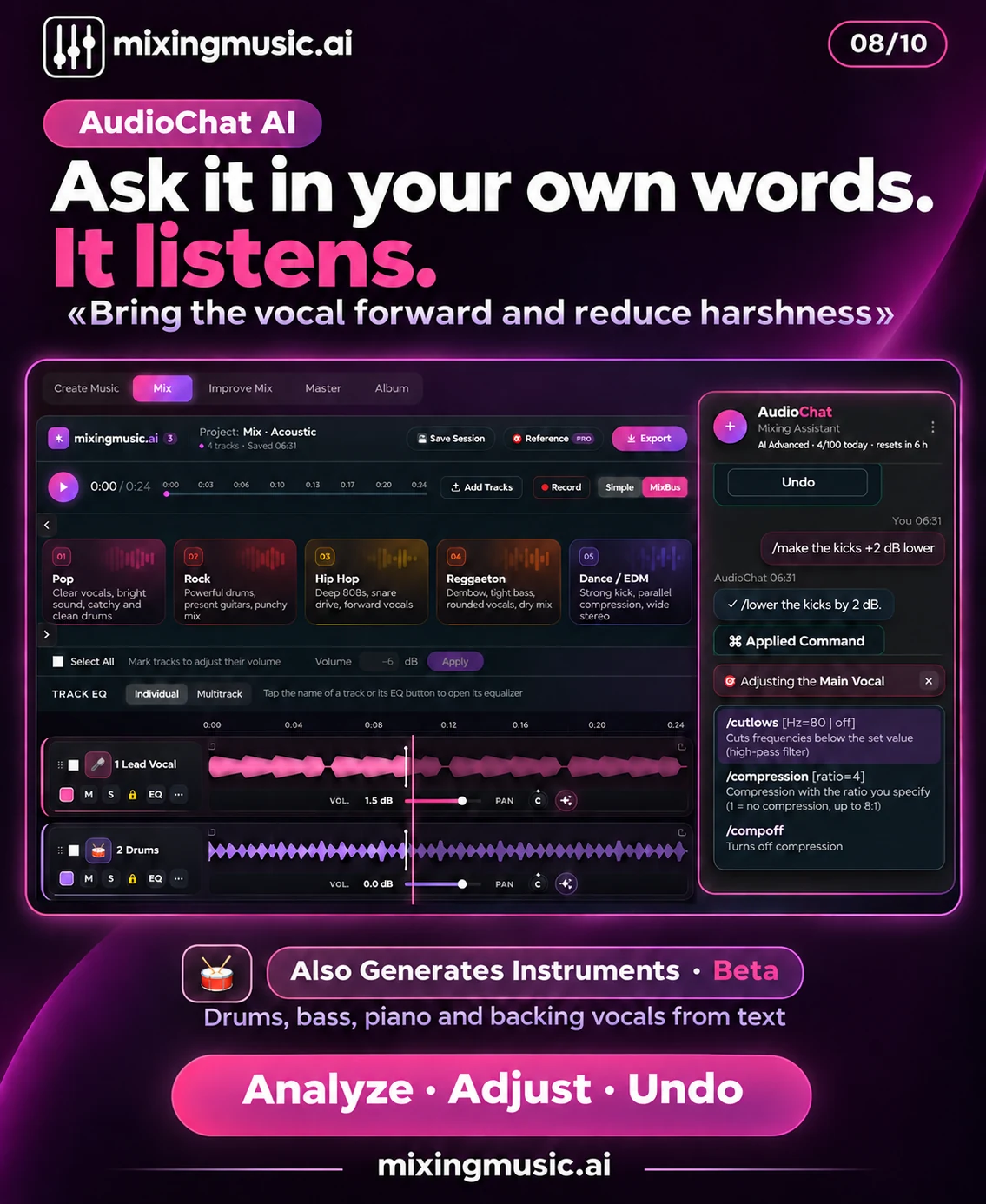
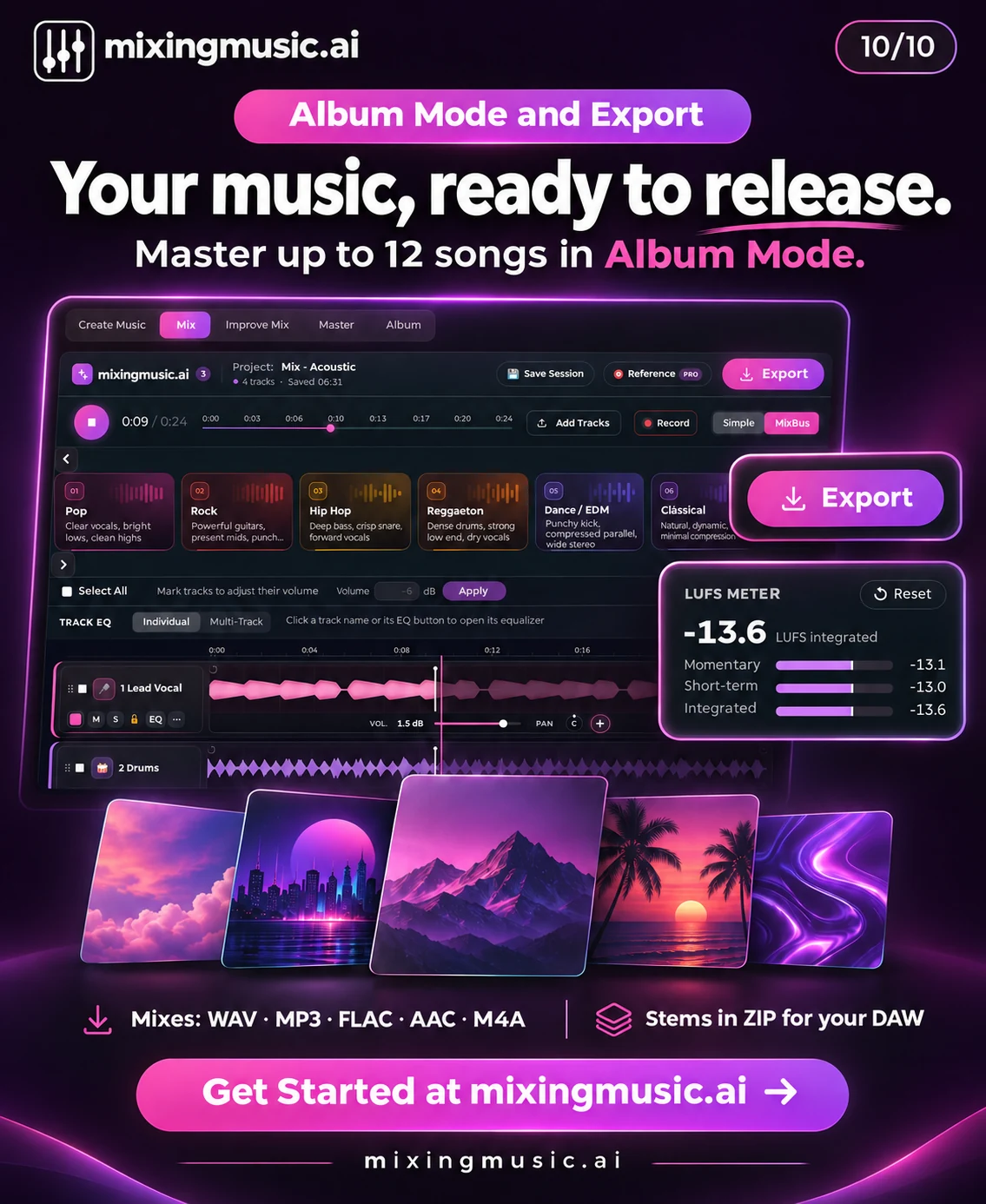
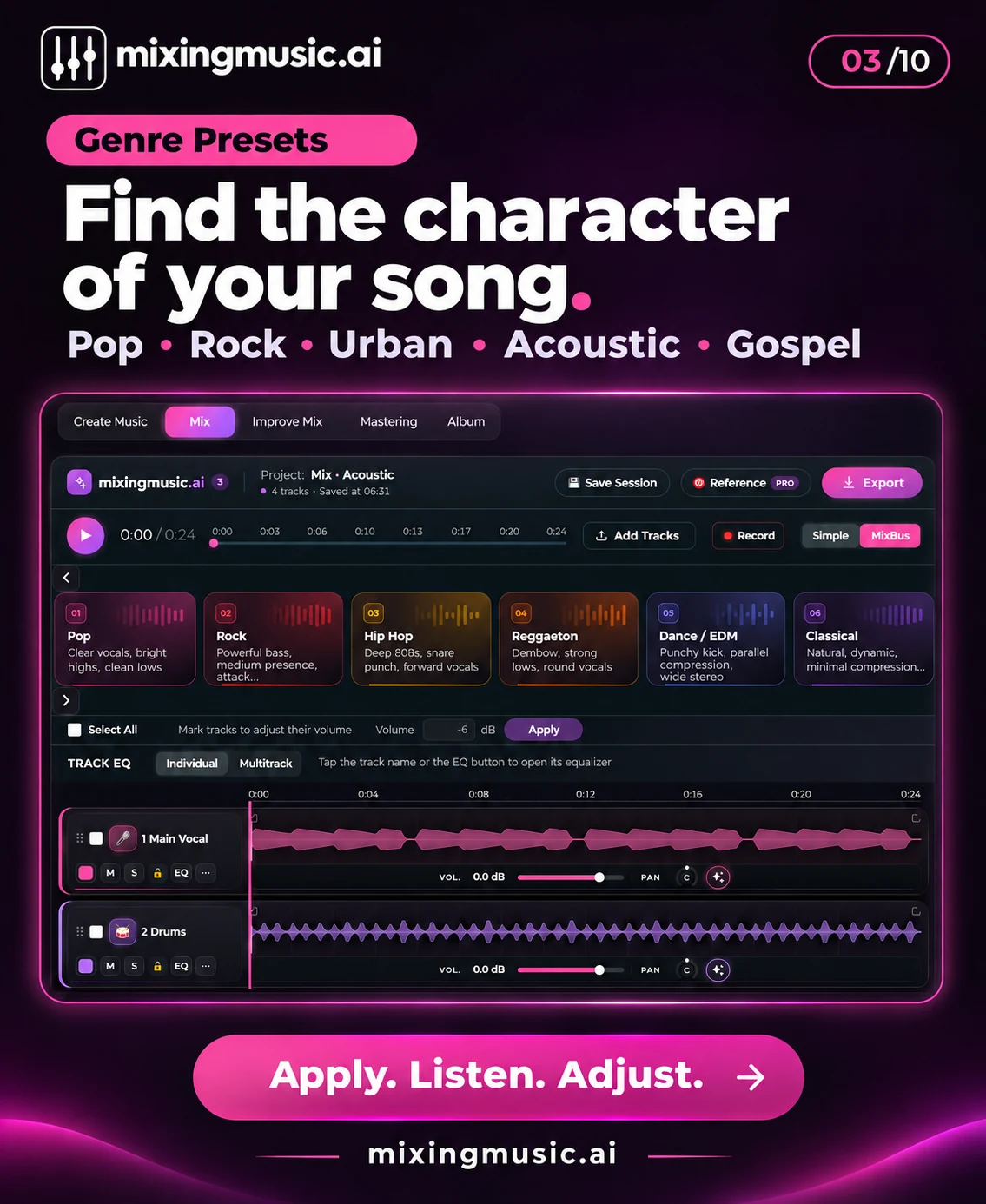
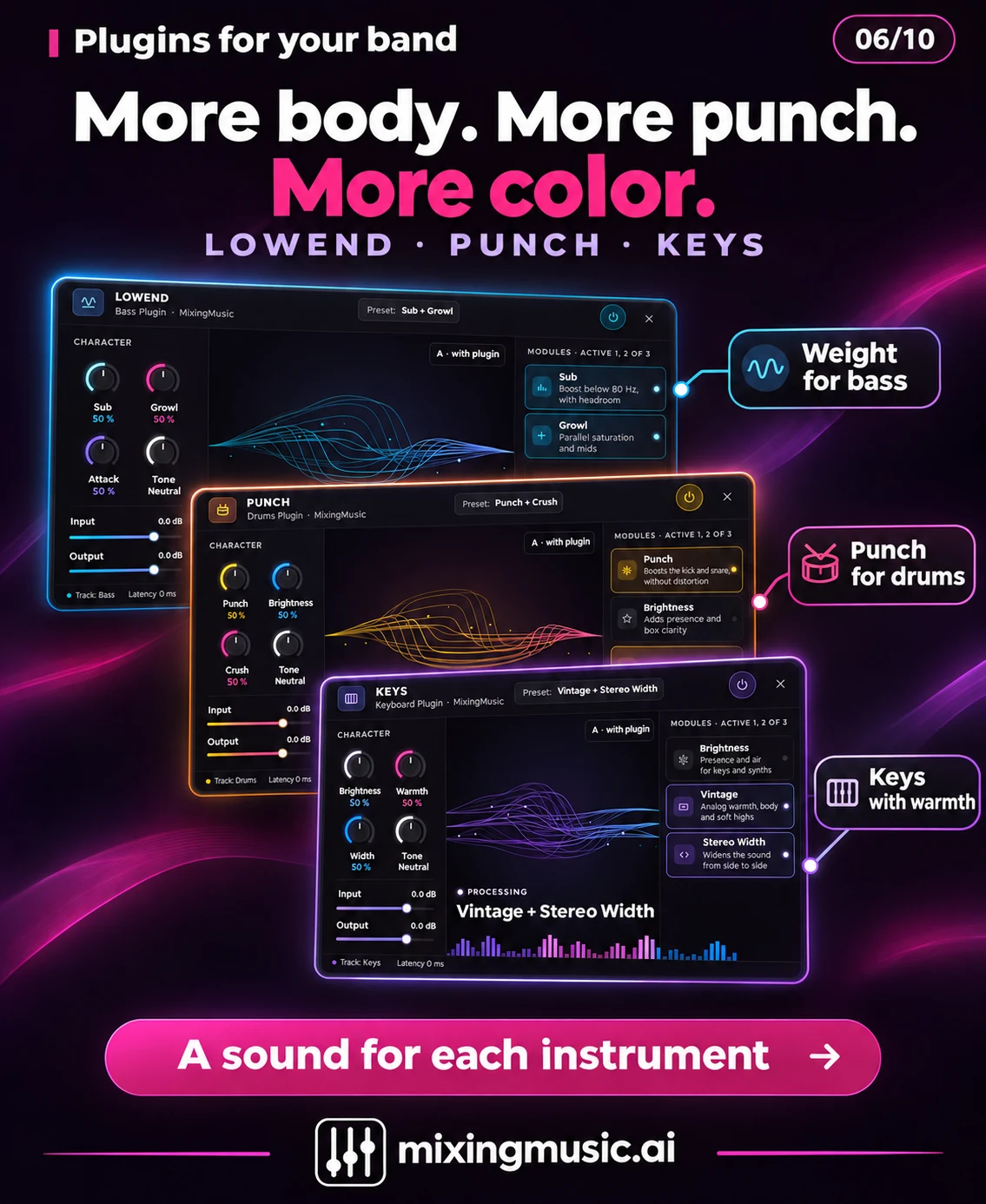
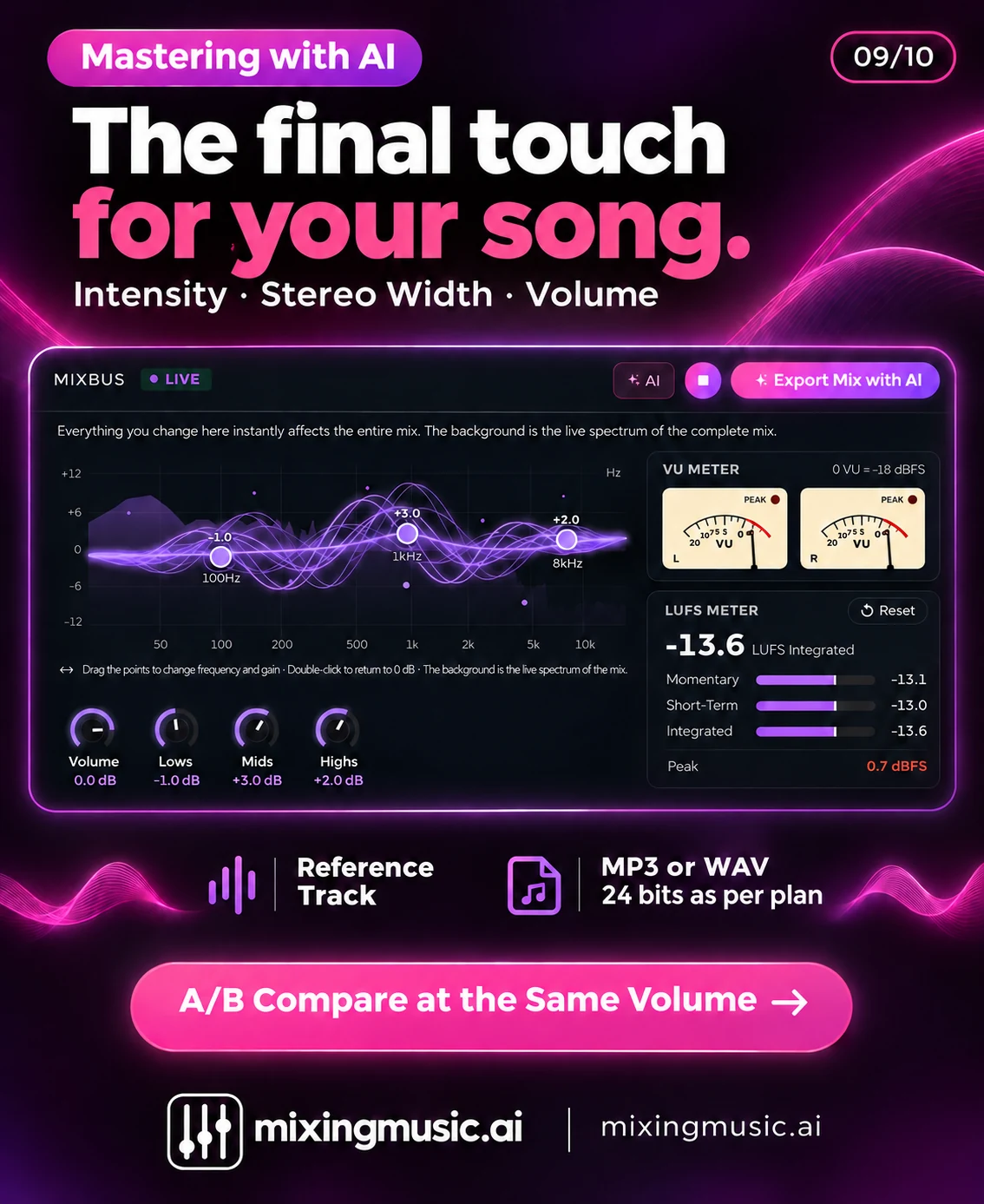
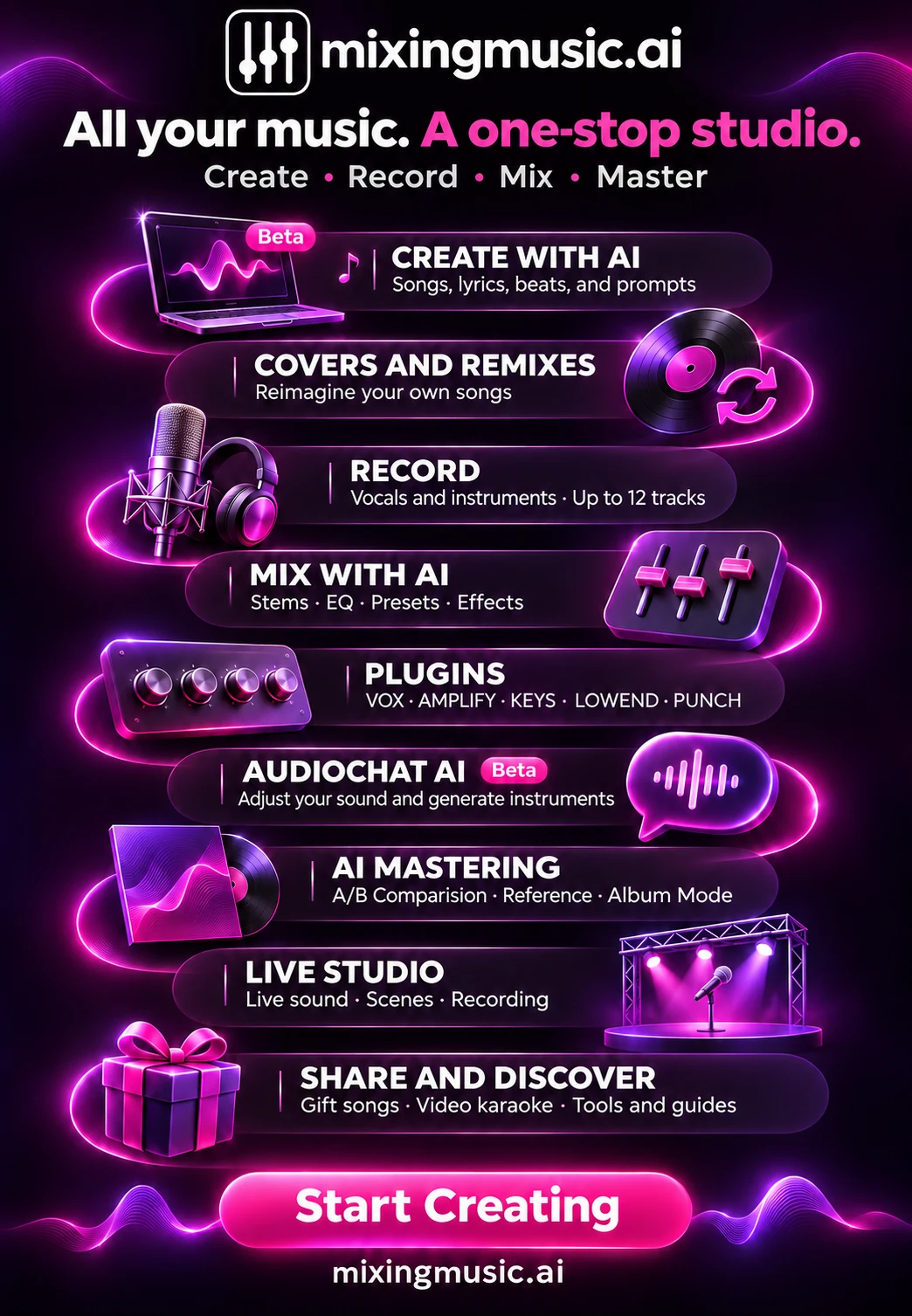
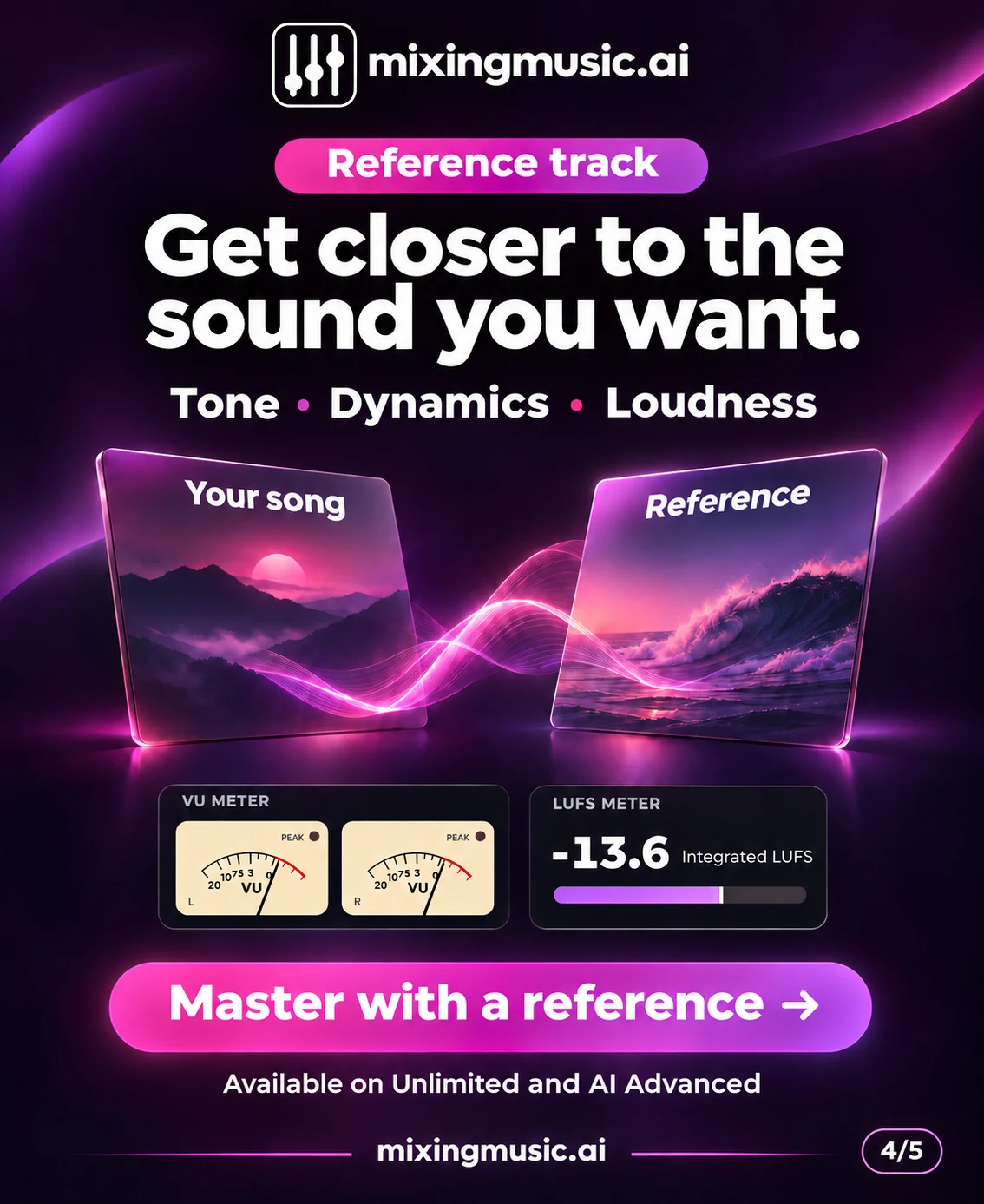
You can create a song from an idea or lyrics, record vocals and instruments, work with stems and prepare a mix or master. This visual directory introduces MixingMusic features and links to the page explaining each tool.
They are separate stages. Generation creates new audio; mixing balances individual tracks and their effects; mastering processes the final stereo mix. You can use the tools separately or follow the workflow in one account.
The gallery includes free tools and features with usage limits or payment conditions. These are promotional images: check current prices, availability and credit consumption on each destination page before using a feature.
AI helps create and process audio, but results still need listening and musical judgment. You can edit settings, compare versions and keep mastering as a separate step. You remain responsible for the rights to the audio and lyrics you use.
You do not need every tool. Start with the stage you are working on.
No monthly renewal, confusing credits, or annual contracts. Free to try it, Unlimited for the whole studio and AI Advanced to work with the AI every day.
No card and no expiration.
One payment, no renewals. Mixing and mastering forever; AI songs last until you use them up.
Loading secure payment…
One payment. Mixing and mastering forever; AI songs until you use them up. Already on Unlimited? Pay only US$7.01.
Loading secure payment…
Pay once and create at your own pace. Usage depends on the model. Packs refill balance without changing your plan: 6-stem separation uses 1 song on Unlimited or Advanced; up to 12 uses 2 on Advanced. Free excludes separation.
Loading secure payment…
Loading secure payment…
Love songs, christian, reggaeton, pop, rock and more. New songs every day: play them, like them and share them.
Listen to the songs →