
Specific to Cakewalk Sonar
- “Entire Mix” creates a single file with the whole mix: use it for AI Mastering.
- Buses export the same way, one file each: perfect for grouping drums or backing vocals.
- Remove the Master bus limiter before exporting.
From your Cakewalk project (formerly Cakewalk by BandLab) to an AI master. Export your Cakewalk Sonar tracks, upload them to MixingMusic.AI and get an AI mix and master in your browser, with nothing to install. MixingMusic.AI does not replace your DAW: it finishes the song you started in it.
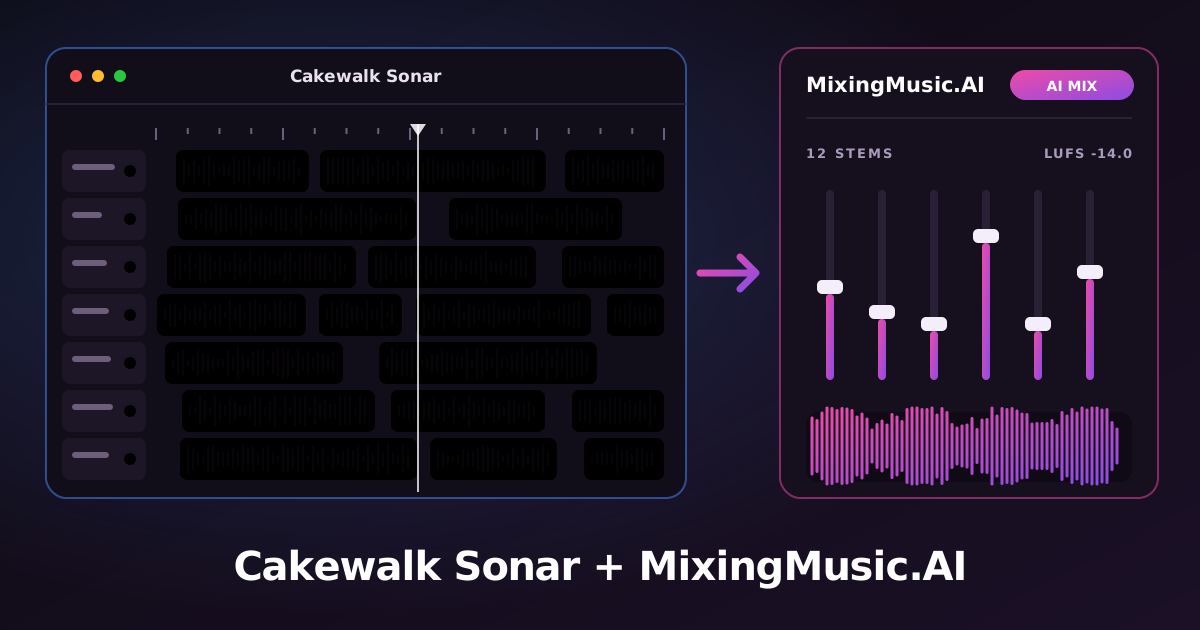
Open File › Export › Audio (Ctrl/Cmd + E) and set “Source Category” to “Tracks”.
Where to export: File › Export › AudioSelect the tracks you want in “Source Buses/Tracks”: one file is created per track. Choose 24-bit WAV. For submixes use “Buses”.
Upload the files to MixingMusic.AI (up to 12 stems as WAV, MP3, FLAC, AAC or M4A). The AI proposes a mix by style and by each track’s instrument.
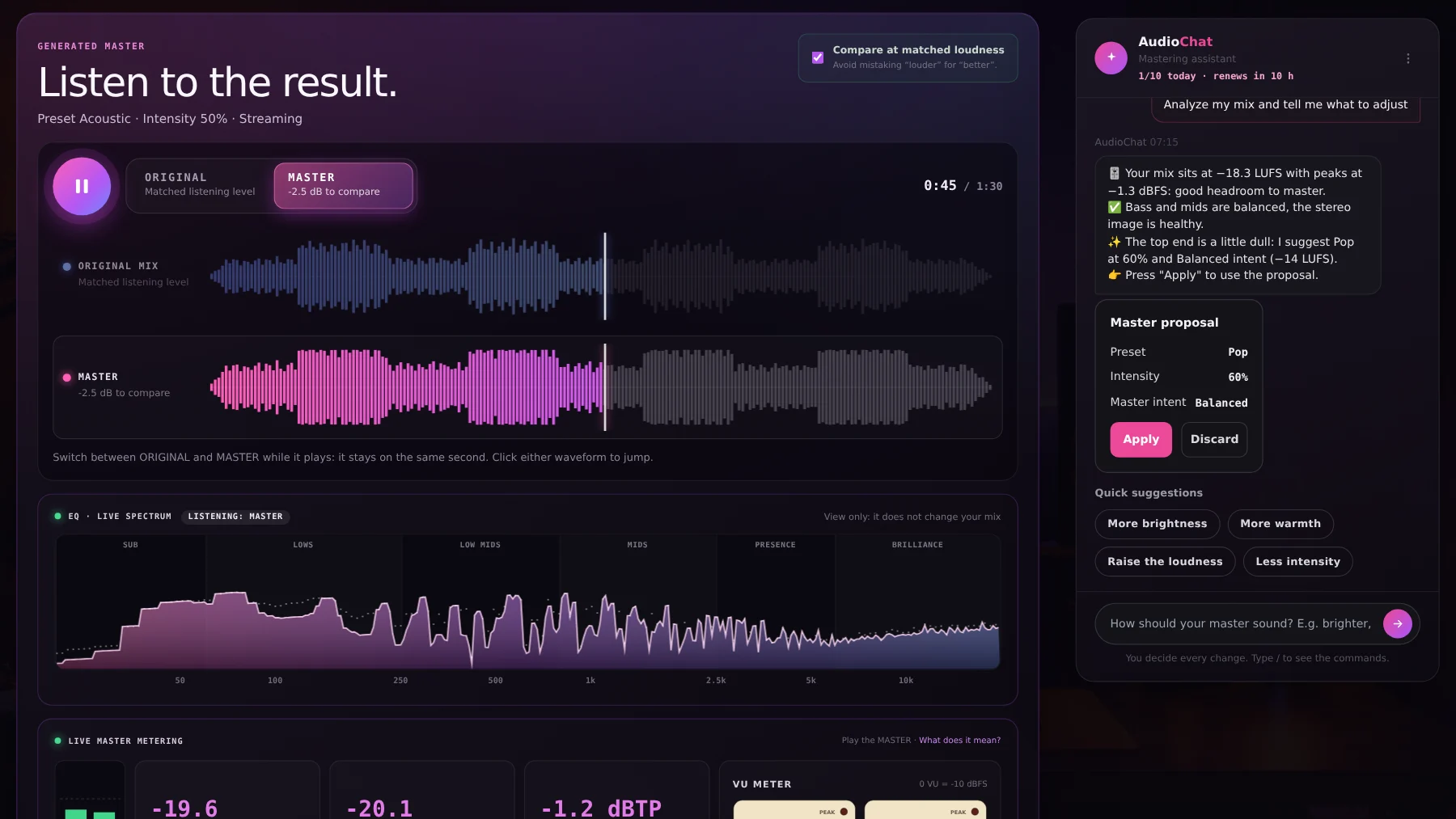
Fine-tune with per-track EQ, the MixBus with LUFS and VU, and AudioChat; then master with AI and compare the original and the master at matched loudness.
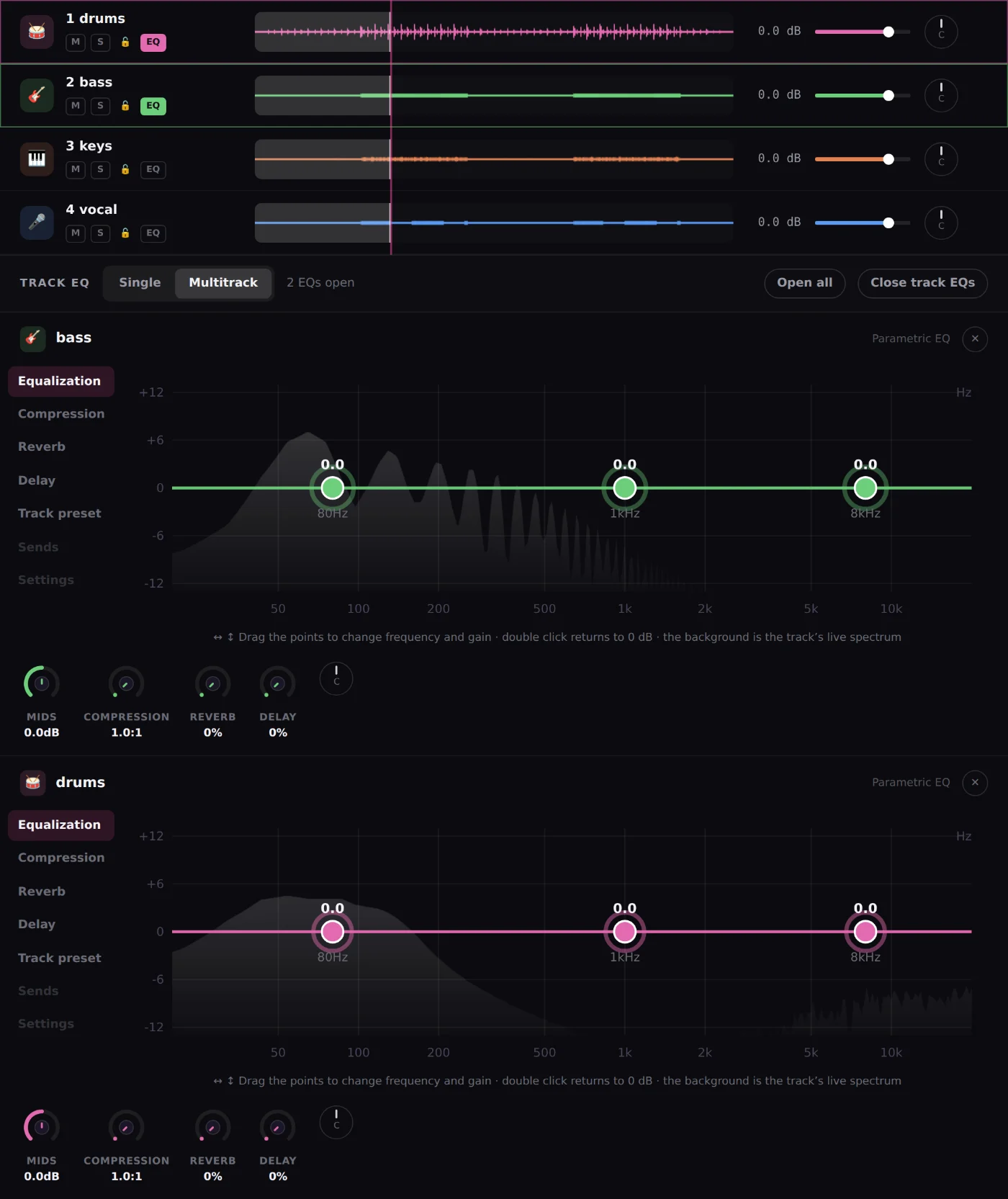
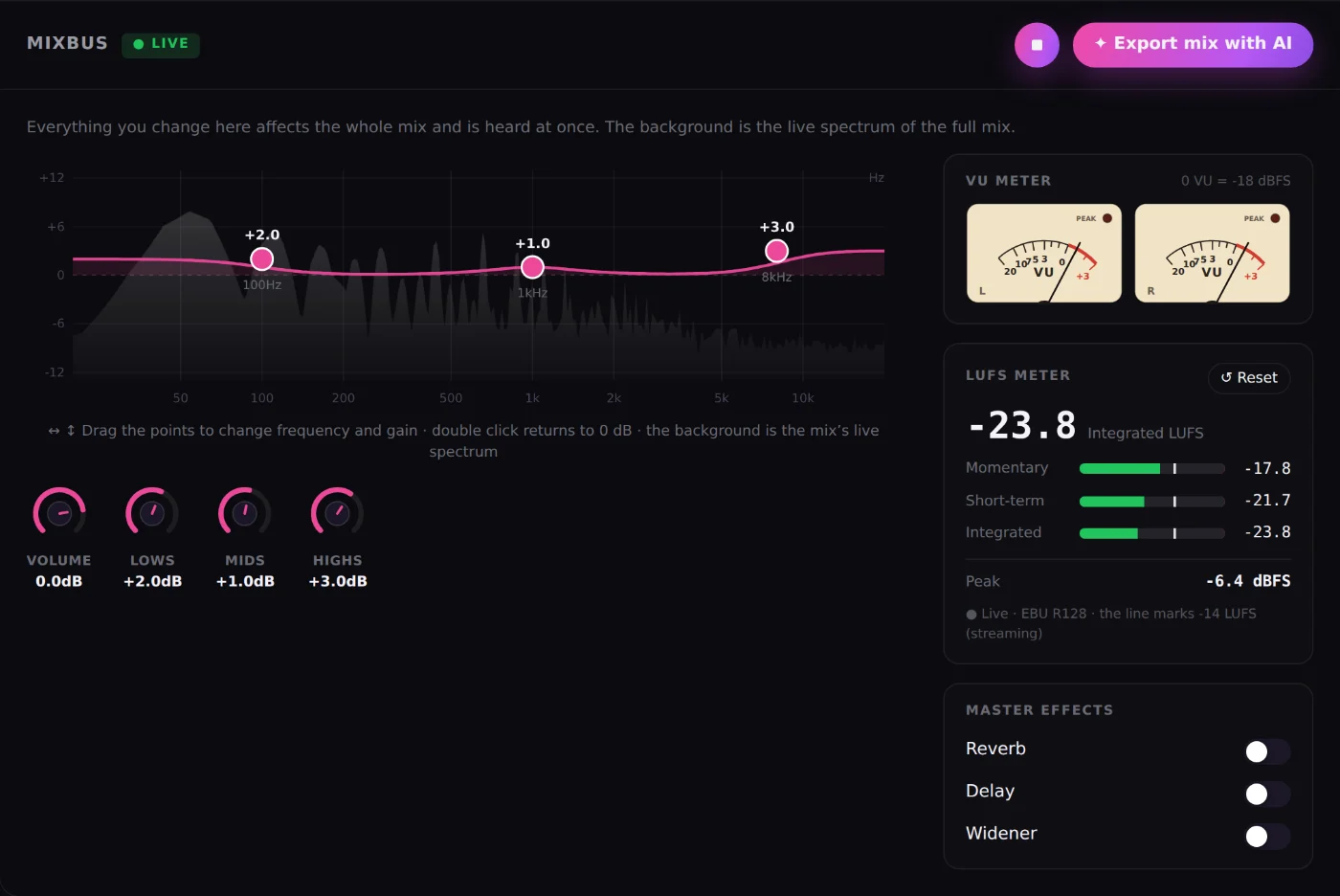
The AI mixes by style and by each track’s instrument; you decide every change.
Learn more →EQ over the live spectrum, a stereo VU meter and an LUFS meter.
Learn more →An AI chat that analyzes and adjusts a track or the MixBus with your approval.
Learn more →Hear your mix, compare original and master at matched loudness and download 24-bit WAV.
Learn more →Open File › Export › Audio (Ctrl/Cmd + E) and set “Source Category” to “Tracks”. Select the tracks you want in “Source Buses/Tracks”: one file is created per track. Choose 24-bit WAV. For submixes use “Buses”. Then upload the files to MixingMusic.AI, where the AI mixes them and you can master the result.
“Tracks” creates one file per selected track and “Buses” one per bus. With buses you can reach 12 stems by grouping several tracks.
No. MixingMusic.AI runs in the browser and takes audio files. Cakewalk Sonar is for producing and recording; MixingMusic.AI is for mixing and mastering with AI what you exported.
Up to 12 stems per project, as WAV, MP3, FLAC, AAC or M4A. If you have more tracks, group them in your DAW (drums, backing vocals, layers) and export the groups.
Yes. You can upload the final stereo mix and use AI Mastering, or “Improve mix”. To mix track by track with AI you need the stems.
Yes: your first mix, one master and one AI try are free. After that there are one-time plans, no subscription.
Cakewalk Sonar help pages consulted. Menu names can change with your version.
Cakewalk Sonar is a trademark of Cakewalk. MixingMusic.AI is not affiliated with Cakewalk and Cakewalk does not endorse this page.
Export your stems and hear the difference today.
No monthly renewal, confusing credits, or annual contracts. Free to try it, Unlimited for the whole studio and AI Advanced to work with the AI every day.
No card and no expiration.
One payment with Mercado Pago or PayPal.
One payment. Already on Unlimited? Pay only the difference.