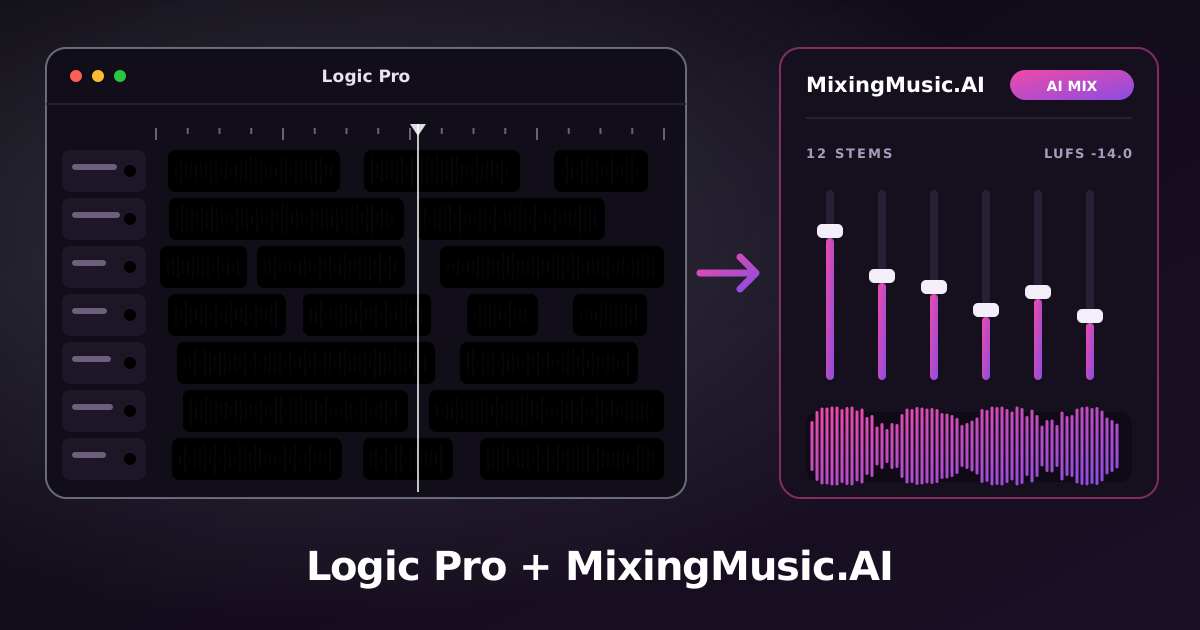
From your Logic Pro tracks and stacks to an AI master, no detours. Export your Logic Pro tracks, upload them to MixingMusic.AI and get an AI mix and master in your browser, with nothing to install. MixingMusic.AI does not replace your DAW: it finishes the song you started in it.
Original illustration: from Logic Pro tracks to the MixingMusic.AI AI mix and master.STEP BY STEP
From Logic Pro to your master in 4 steps
Step 1
With the cycle covering the whole song (Logic uses that region to set the length), choose File › Export › All Tracks as Audio Files…
Where to export: File › Export › All Tracks as Audio Files
Step 2
WAV format at 24 bits, “Normalize” Off and “Include Audio Tail” on to keep the reverb and delay tails.
Step 3
Upload the files to MixingMusic.AI (up to 12 stems as WAV, MP3, FLAC, AAC or M4A). The AI proposes a mix by style and by each track’s instrument.
Step 4
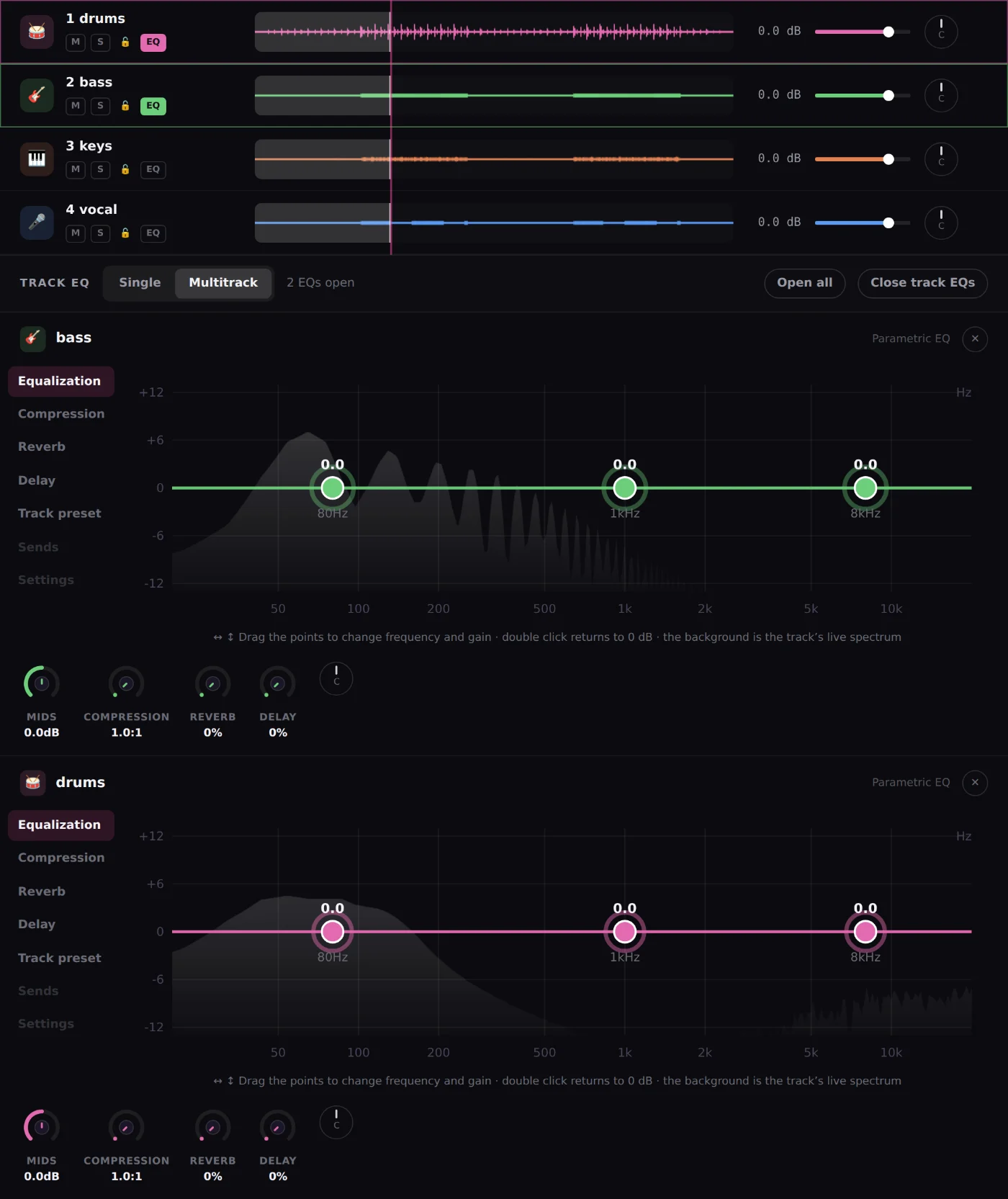
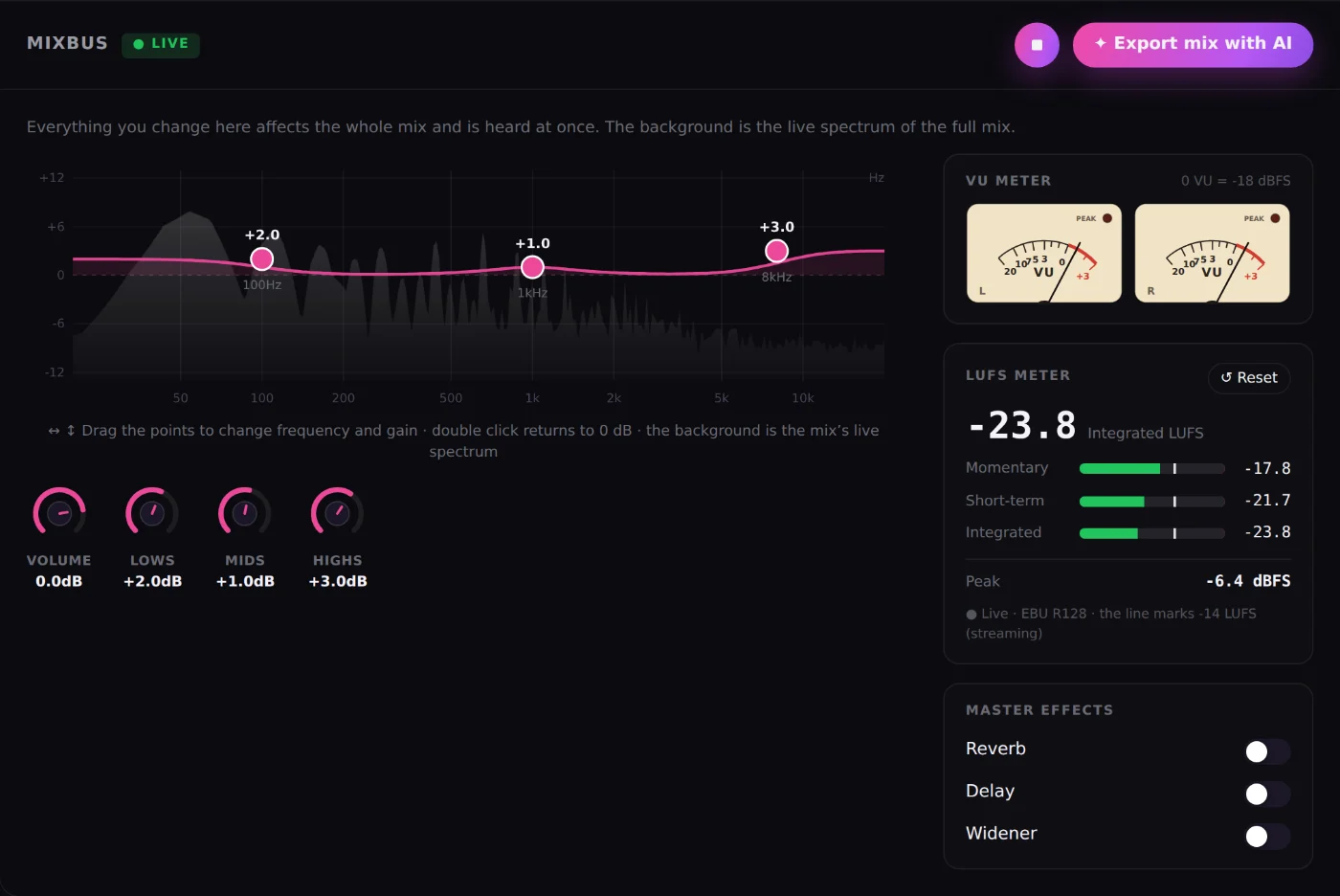
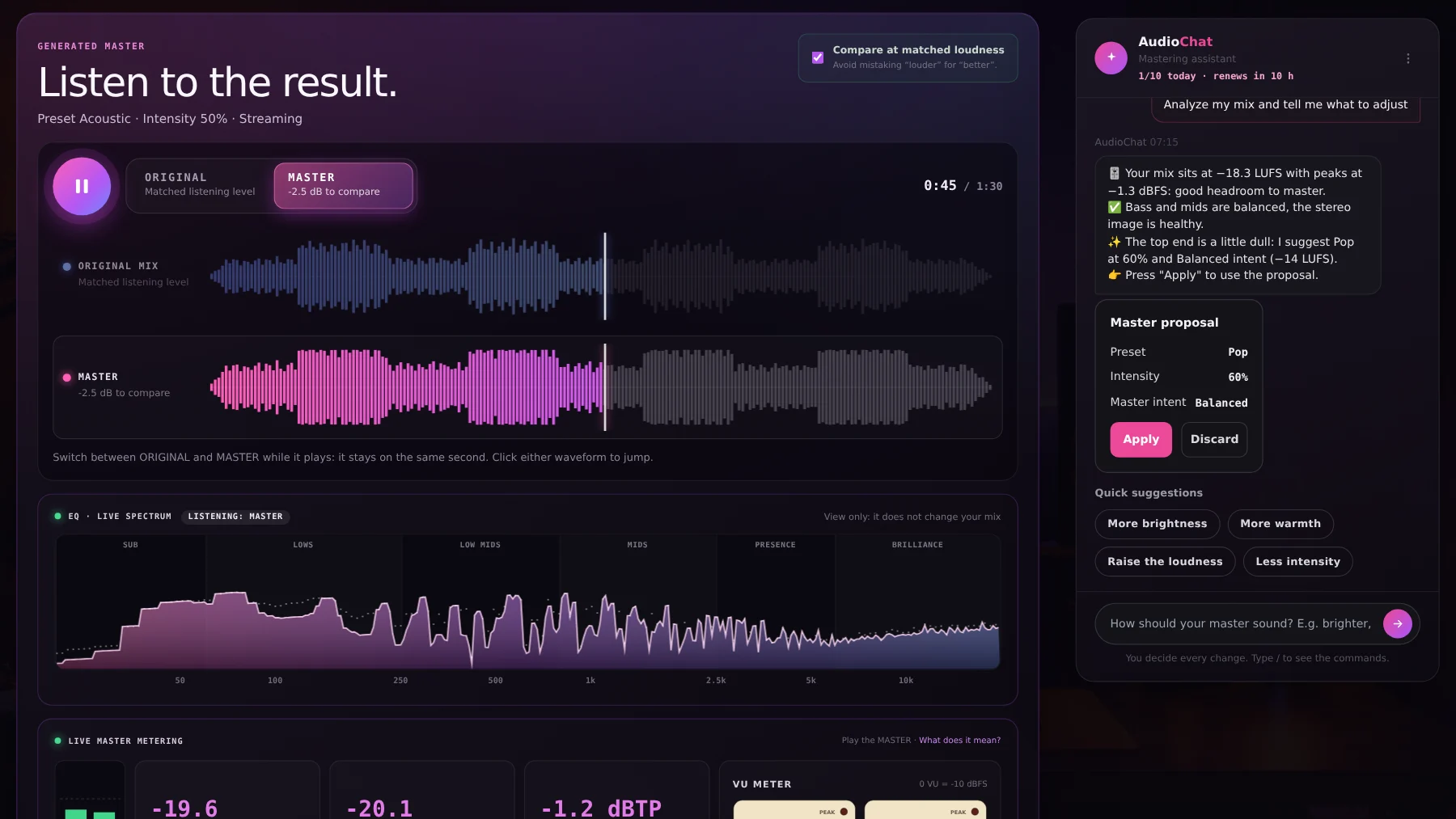
Fine-tune with per-track EQ, the MixBus with LUFS and VU, and AudioChat; then master with AI and compare the original and the master at matched loudness.
SETTINGS THAT MATTER
Exporting from Logic Pro
Specific to Logic Pro
One file is written per track or per stack and the originals are left untouched.
Each track’s insert plugins are printed, but a reverb shared through an aux is not: route each group through a Summing Stack or an aux and export those stacks.
Software instruments you convert to audio with Bounce in Place come out like any other audio track.
True for any DAW
Export every stem from the same start point (the project’s 0:00) and with the same length: that keeps them aligned.
24-bit WAV is ideal. MixingMusic.AI also accepts MP3, FLAC, AAC and M4A.
Remove limiters and maximizers from the Master: mastering happens afterwards, in MixingMusic.AI.
No clipping and with headroom: no stem should reach 0 dBFS.
The limit is 12 stems: group tracks (drums, backing vocals, layers) if you have more.
WHAT HAPPENS NEXT
What MixingMusic.AI does with your stems
01
AI mixing
The AI mixes by style and by each track’s instrument; you decide every change.
Frequently asked questions about Logic Pro and MixingMusic.AI
How do I export Logic Pro stems to mix them with AI?
With the cycle covering the whole song (Logic uses that region to set the length), choose File › Export › All Tracks as Audio Files… WAV format at 24 bits, “Normalize” Off and “Include Audio Tail” on to keep the reverb and delay tails. Then upload the files to MixingMusic.AI, where the AI mixes them and you can master the result.
How do I keep the send reverb when exporting from Logic Pro?
Route the tracks through a Summing Stack or an aux so the bus processing travels with the stem, and export the stacks instead of the raw tracks. That way the reverb is inside the file you upload to MixingMusic.AI.
Do I need Logic Pro to use MixingMusic.AI?
No. MixingMusic.AI runs in the browser and takes audio files. Logic Pro is for producing and recording; MixingMusic.AI is for mixing and mastering with AI what you exported.
How many Logic Pro stems can I upload?
Up to 12 stems per project, as WAV, MP3, FLAC, AAC or M4A. If you have more tracks, group them in your DAW (drums, backing vocals, layers) and export the groups.
Can I master without uploading stems?
Yes. You can upload the final stereo mix and use AI Mastering, or “Improve mix”. To mix track by track with AI you need the stems.
Is it free to try?
Yes: your first mix, one master and one AI try are free. After that there are one-time plans, no subscription.
Logic Pro is a trademark of Apple. MixingMusic.AI is not affiliated with Apple and Apple does not endorse this page.
Your next Logic Pro song, mixed and mastered with AI.
Export your stems and hear the difference today.
SIMPLE PRICING
Start free. Pay only once.
No monthly renewal, confusing credits, or annual contracts. Free to try it, Unlimited for the whole studio and AI Advanced to work with the AI every day.
FREE
Try it
US$0
No card and no expiration.
✓ 1 mix from stems
✓ 1 downloadable MP3 master
✓ Up to 12 stems per song
✓ 1 AudioChat AI "Analyze and adjust"
✓ Presets and AI recommendation
FOUNDING PRICEUNLIMITED FOREVER
The whole studio
US$14.99COP $49.900
One payment with Mercado Pago or PayPal.
✓ Unlimited mixes and masters
✓ True 24-bit PCM WAV
✓ Album mode up to 12 songs
✓ Reference track: tone, dynamics and loudness
✓ AudioChat AI: 10 messages a day
FOUNDERS OFFERAI ADVANCED FOREVER
Your AI engineer
US$99US$69COP $259.000
One payment. Already on Unlimited? Pay only the difference.
✓ Everything in Unlimited
✓ AudioChat AI up to 100 messages a day
✓ AI on every track and on the MixBus
✓ Automatic "Analyze and adjust" or tell it what to do