- Step 1
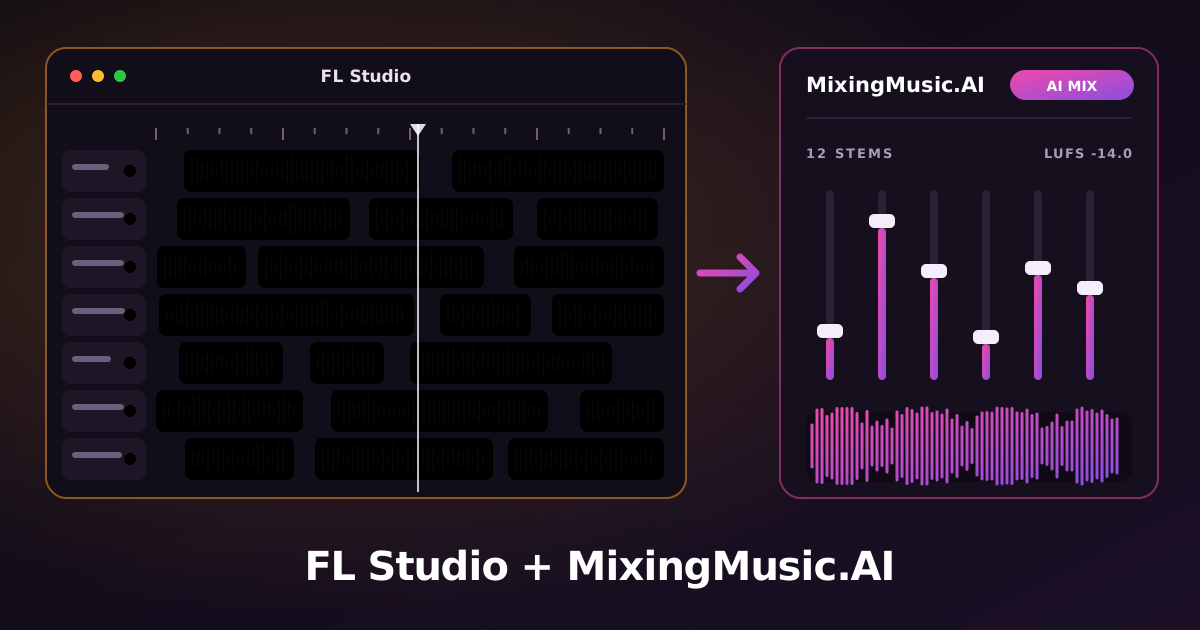
Go to File › Export › Wave file…, name it and, in the export window, tick “Split mixer tracks”.
Where to export: File › Export › Wave file - Step 2
Choose 24-bit WAV, leave the Master effects unticked and export the whole song: FL Studio creates one file per mixer track, named after it.
- Step 3
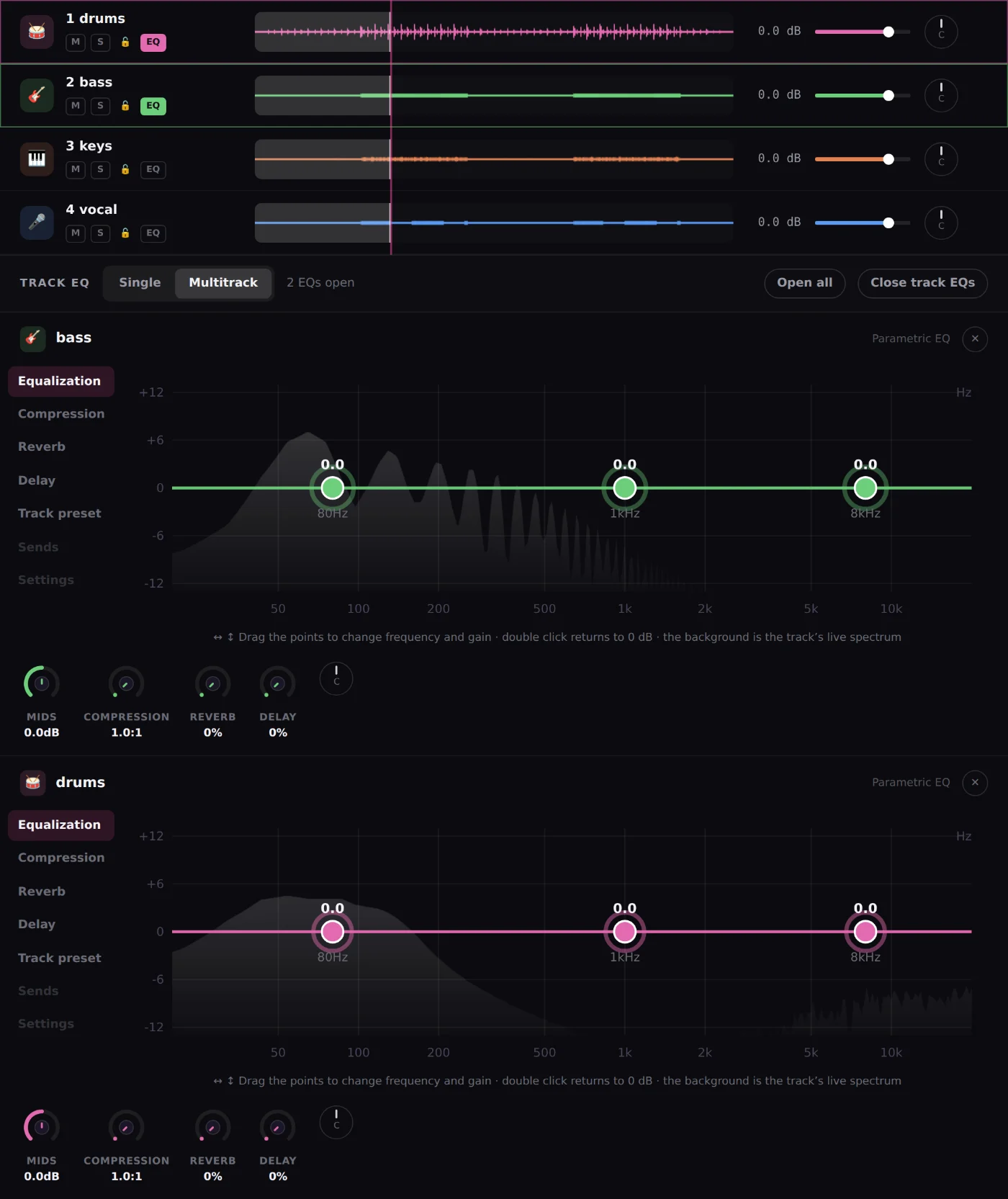
Upload the files to MixingMusic.AI (up to 12 stems as WAV, MP3, FLAC, AAC or M4A). The AI proposes a mix by style and by each track’s instrument.
- Step 4
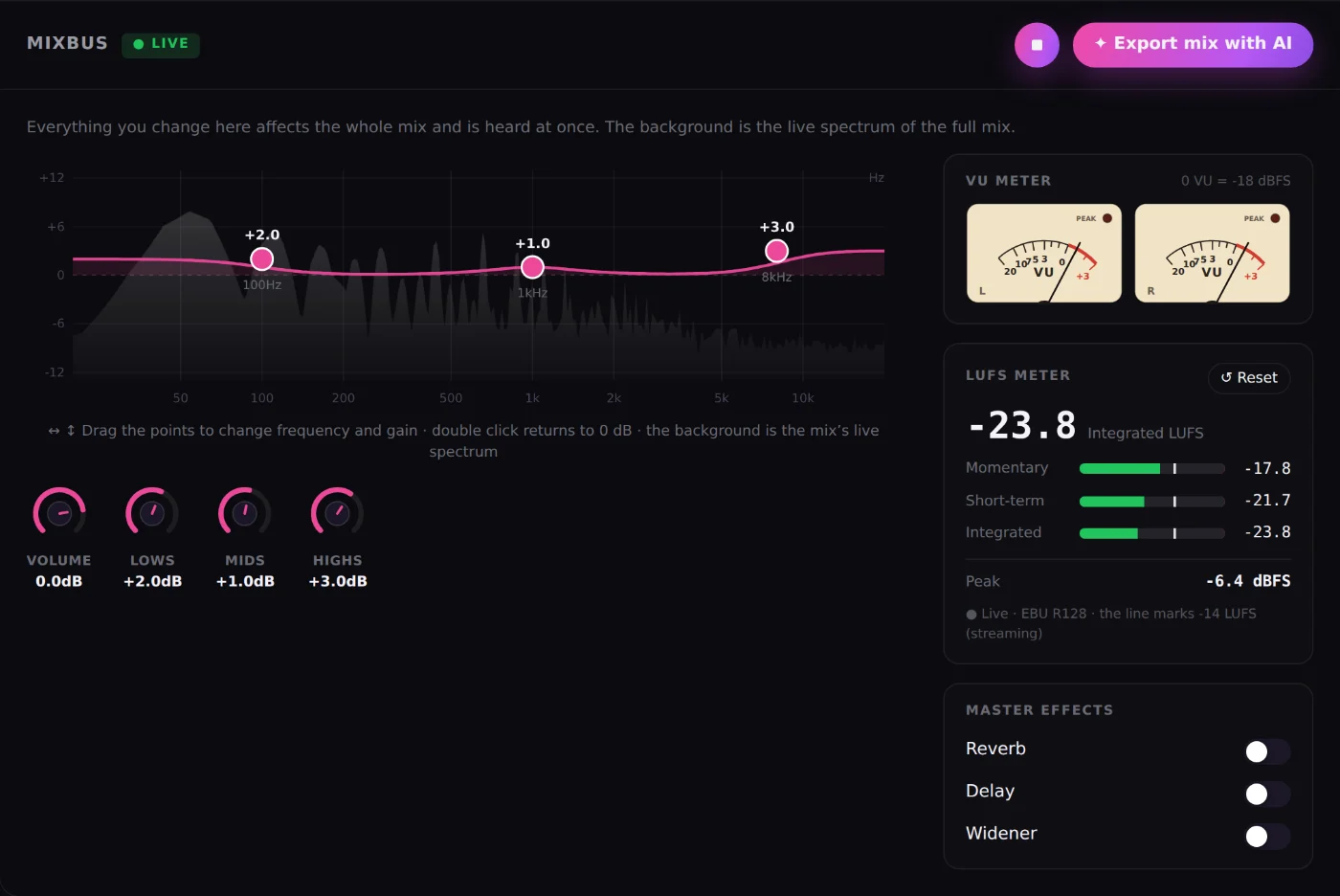
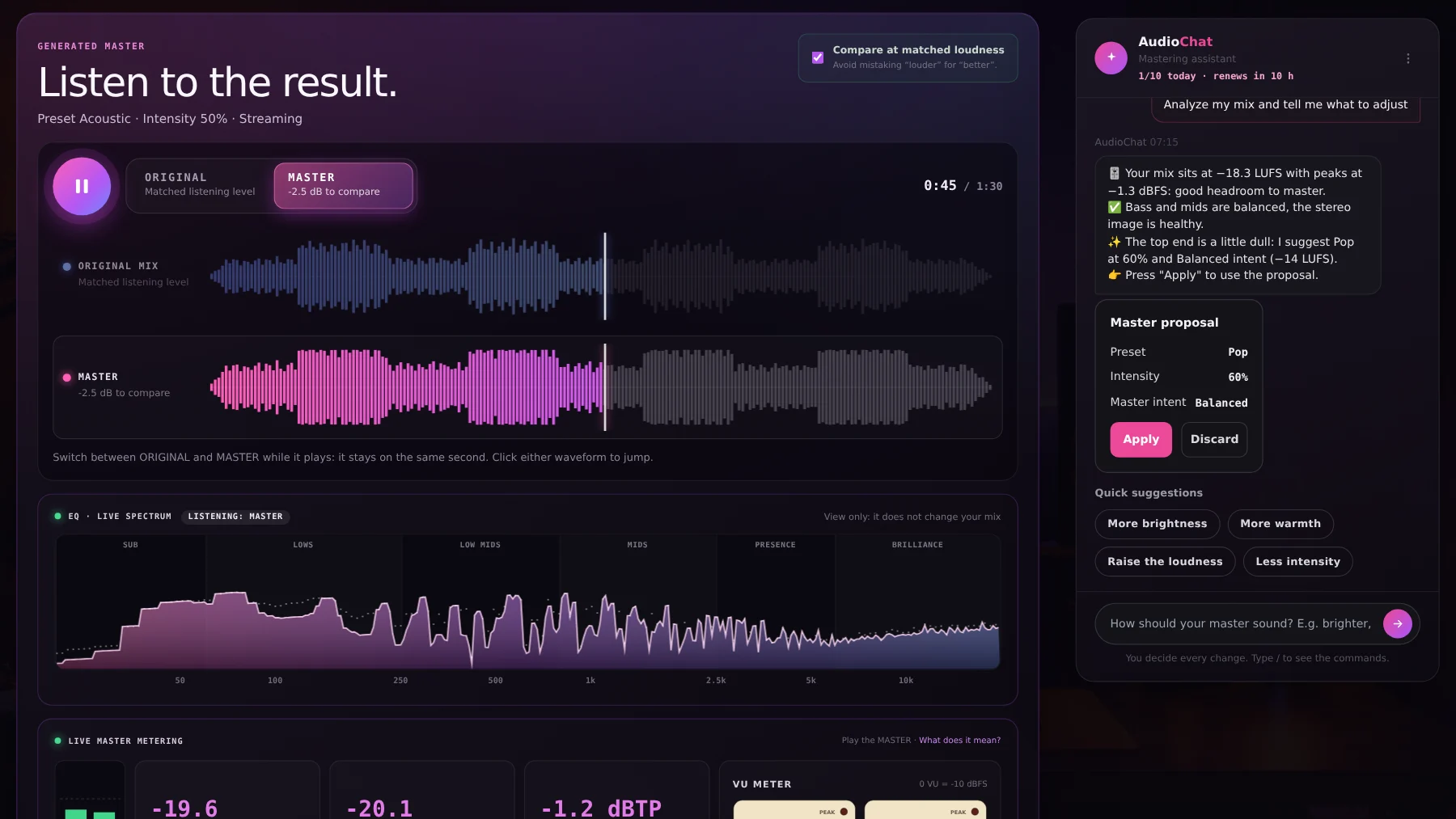
Fine-tune with per-track EQ, the MixBus with LUFS and VU, and AudioChat; then master with AI and compare the original and the master at matched loudness.