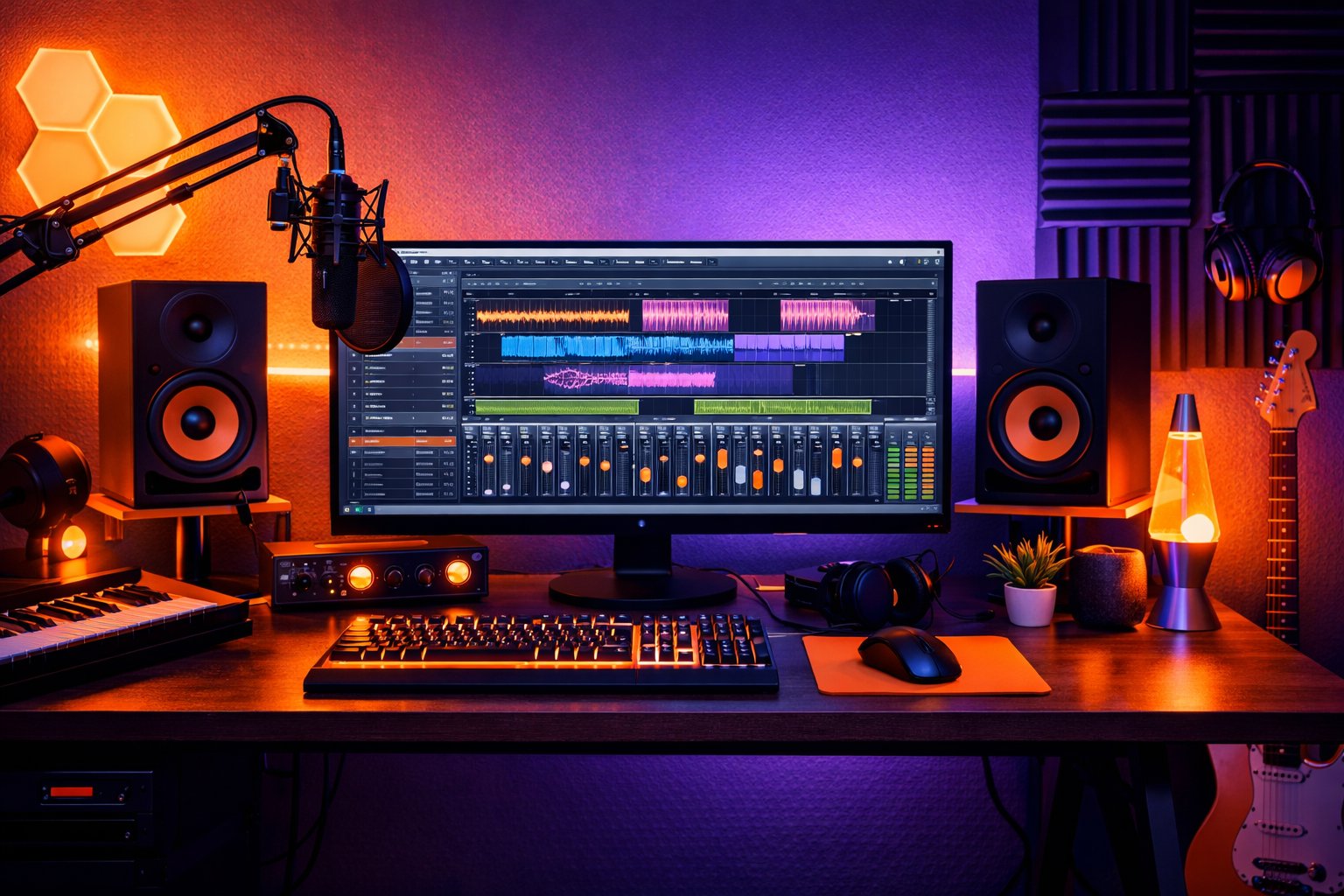
The digital revolution has transformed music production, making professional mixing tools accessible to creators worldwide. In this comprehensive review, we'll explore the best online mixing platforms available in 2026, comparing features, pricing, and quality to help you make the right choice for your music.
Why Choose Online Mixing Tools?
Online mixing platforms offer several advantages over traditional software:
- Accessibility: Work from anywhere with an internet connection
- No Installation Required: Browser-based solutions
- Automatic Updates: Always access the latest features
- Collaboration: Share projects easily with team members
- Cost-Effective: Often more affordable than desktop software
- AI Integration: Access to cutting-edge artificial intelligence
Top Online Mixing Platforms
1. MixingMusic.ai - Best Overall AI Mixing Platform
Rating: ⭐⭐⭐⭐⭐ (5/5)
MixingMusic.ai stands out as the premier AI-powered mixing platform, offering professional-quality results with minimal user input.
Key Features:
- Advanced AI mixing algorithms
- Support for up to 12 stems per project
- Real-time FFT analysis
- Professional LUFS metering
- Multiple export formats (WAV, MP3)
- Genre-specific processing
- 500 free credits for new users
Pricing:
- Basic Mix (1-5 stems): 100 credits
- Advanced Mix (6+ stems): free mix
- 500 free credits upon registration
Pros:
- Exceptional AI quality
- User-friendly interface
- Fast processing times
- Professional loudness standards
- Great for beginners and pros
Cons:
- Credit-based system
- Limited manual control options
Best For: Artists seeking professional AI mixing with minimal technical knowledge
2. LANDR - Best for Automated Mastering
Rating: ⭐⭐⭐⭐☆ (4/5)
LANDR pioneered AI-powered mastering and has expanded to include mixing services.
Key Features:
- AI mastering and mixing
- Distribution services
- Collaboration tools
- Sample library access
- Multiple genre presets
Pricing:
- Basic: $9/month
- Pro: $19/month
- Creator: $39/month
Pros:
- Established platform
- All-in-one solution
- Good distribution integration
- Collaborative features
Contras:
- Less customization than competitors
- Subscription model only
- Mixed quality results
3. eMastered - Professional Online Mastering
Rating: ⭐⭐⭐⭐☆ (4/5)
eMastered focuses specifically on mastering services with AI-powered processing.
Key Features:
- Grammy-winning engineers' algorithms
- Reference track comparison
- Before/after analysis
- Multiple format outputs
- API integration available
Pricing:
- Per-track: $9
- Monthly: $19
- Yearly: $190
Pros:
- High-quality algorithms
- Professional reference standards
- Detailed analysis tools
- API access available
Contras:
- Mastering only (no mixing)
- Higher per-track cost
- Limited customization
4. CloudBounce - AI Mixing and Mastering
Rating: ⭐⭐⭐☆☆ (3.5/5)
CloudBounce offers both mixing and mastering services with AI technology.
Key Features:
- AI mixing and mastering
- Stem processing
- Multiple genre options
- Batch processing
- API integration
Pricing:
- Per-track: $4.99
- Package deals available
- Subscription options
Pros:
- Affordable pricing
- Both mixing and mastering
- Batch processing capability
- API integration
Contras:
- Inconsistent quality
- Limited advanced controls
- Basic user interface
5. BandLab - Best Free Online Studio
Rating: ⭐⭐⭐☆☆ (3/5)
BandLab provides a complete free online studio experience with basic mixing capabilities.
Key Features:
- Full DAW functionality
- Collaboration tools
- Cloud storage
- Mobile apps
- Basic mixing tools
Pricing:
Pros:
- Entirely free platform
- Full DAW functionality
- Great for collaboration
- Mobile compatibility
- Large community
Contras:
- No AI mixing capabilities
- Basic mixing tools
- Limited professional features
- Requires manual mixing knowledge
Comparison Matrix
| Platform | AI Mixing | Price Model | Quality | Ease of Use | Best For |
|---|
| MixingMusic.ai | ⭐⭐⭐⭐⭐ | Credits | ⭐⭐⭐⭐⭐ | ⭐⭐⭐⭐⭐ | Professional AI mixing |
| LANDR | ⭐⭐⭐⭐☆ | Subscription | ⭐⭐⭐⭐☆ | ⭐⭐⭐⭐☆ | All-in-one solution |
| eMastered | ⭐⭐⭐⭐☆ | Per-track | ⭐⭐⭐⭐⭐ | ⭐⭐⭐⭐☆ | Professional mastering |
| CloudBounce | ⭐⭐⭐☆☆ | Per-track | ⭐⭐⭐☆☆ | ⭐⭐⭐☆☆ | Budget AI processing |
| BandLab | ☆☆☆☆☆ | Free | ⭐⭐☆☆☆ | ⭐⭐⭐☆☆ | Free DAW functionality |
Specialized Online Mixing Tools
Genre-Specific Platforms
Electronic Music:
- Splice Sounds (for samples and loops)
- Beatport LINK (DJ mixing tools)
Hip-Hop/Rap:
- BeatStars (beat mixing and selling)
- Airbit (formerly MyFlashStore)
Rock/Band Music:
- ReverbNation (distribution + basic mixing)
- DistroKid (distribution focus)
Professional Services
Human Engineers Online:
- SoundBetter (freelance mixing engineers)
- Fiverr Pro (professional audio services)
- AIR Studios (high-end remote mixing)
How to Choose the Right Platform
Consider Your Needs:
-
Skill Level
- Beginner: MixingMusic.ai, LANDR
- Intermediate: CloudBounce, BandLab
- Advanced: Professional services
-
Budget
- Free: BandLab
- Low Budget: CloudBounce
- Professional: MixingMusic.ai, eMastered
-
Music Genre
- Pop/Rock: MixingMusic.ai
- Electronic: LANDR
- Hip-Hop: CloudBounce
- All Genres: MixingMusic.ai
-
Workflow Preferences
- Quick Results: AI platforms
- Full Control: BandLab
- Professional Standards: eMastered
Best Practices for Online Mixing
Preparation Tips:
- High-Quality Source Files: Upload the best quality recordings
- Proper File Organization: Name files clearly and consistently
- Reference Tracks: Choose professional references for comparison
- Backup Originals: Keep copies of your original files
Optimization Strategies:
- Platform-Specific Settings: Learn each platform's strengths
- Genre Selection: Choose appropriate style templates
- Iterative Process: Try multiple approaches and compare
- Quality Control: Always check results on multiple playback systems
Future of Online Mixing
Emerging Trends:
- Real-time Collaboration: Multi-user simultaneous editing
- Advanced AI: More sophisticated machine learning algorithms
- Mobile Integration: Full-featured mobile mixing capabilities
- Immersive Audio: 3D and spatial audio processing
- Blockchain Integration: NFT and crypto payment systems
Technology Developments:
- 5G Networks: Faster upload/download speeds
- Edge Computing: Reduced latency for real-time processing
- WebAssembly: More powerful browser-based tools
- Machine Learning: Personalized mixing algorithms
Conclusion
The online mixing landscape in 2026 offers incredible opportunities for music creators at all levels. From AI-powered platforms like MixingMusic.ai that deliver professional results instantly, to comprehensive free solutions like BandLab, there's a tool for every need and budget.
Our Top Recommendations:
- Best Overall: MixingMusic.ai - Perfect balance of quality, ease of use, and AI capabilities
- Best Value: CloudBounce - Affordable AI processing for budget-conscious creators
- Best Free Option: BandLab - Complete DAW functionality at no cost
- Best for Professionals: eMastered - Highest quality mastering services
The key is to match the platform to your specific needs, skill level, and budget. Many platforms offer free trials or credits, so experiment with multiple options to find your perfect fit.
Ready to start mixing? Sign up for MixingMusic.ai today and get 500 free credits to experience professional AI mixing firsthand.