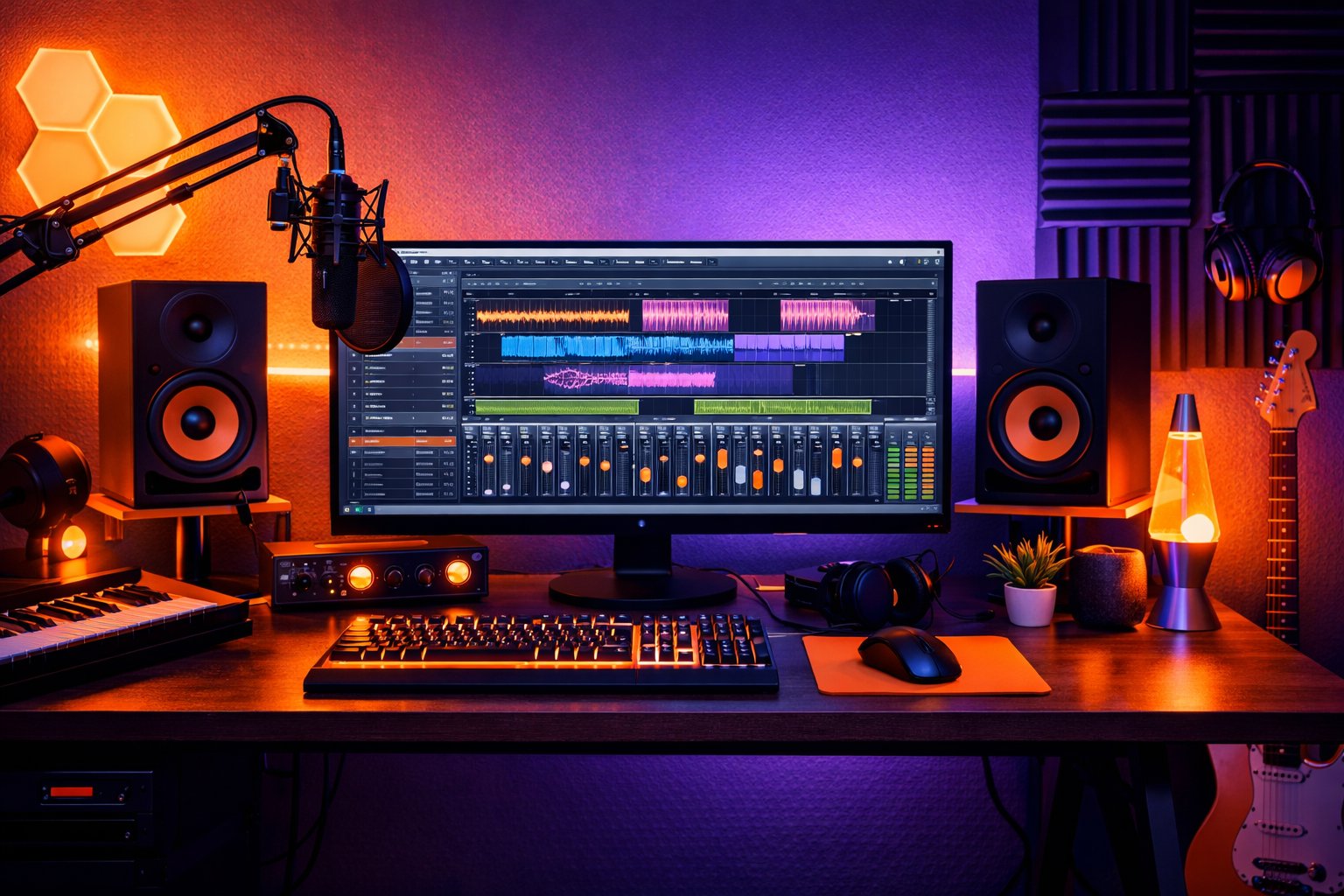
Focusrite interfaces have revolutionized home recording, bringing professional-quality audio to accessible price points. This comprehensive guide will teach you everything you need to know to maximize your Focusrite interface.
Why Choose Focusrite?
History and Reputation
Founded in 1985 by Rupert Neve, Focusrite has been synonymous with professional audio quality for decades. Their interfaces combine:
- ISA Preamps: Heritage from legendary console preamps
- AD/DA Converters: Up to 24-bit/192kHz resolution
- Robust Construction: Designed for daily professional use
- Included Software: Plugin bundles and DAW packages
Scarlett Series: The Popular Choice
Scarlett Solo (1 Input)
Ideal for: Singer-songwriters, podcasters, streaming
Key Features:
- 1 XLR/TRS input with phantom power
- 1 Hi-Z instrument input
- Independent monitor and headphone outputs
- USB powered - no external power needed
Optimal Setup:
Microphone → Input 1 (XLR)
Guitar/Bass → Input 2 (Hi-Z)
Monitors → Main outputs
Headphones → Independent output
Scarlett 2i2 (2 Inputs)
Ideal for: Duos, stereo recording, small projects
Advantages over Solo:
- 2 preamps with phantom power
- Simultaneous stereo recording
- Better for collaborations
Common Use Cases:
- Simultaneous vocal + guitar recording
- Stereo microphone pairs
- Stereo synthesis + vocal
Scarlett 4i4 (4 Inputs/4 Outputs)
Ideal for: Producers, small bands
Advanced Features:
- 4 combo XLR/TRS inputs
- Additional outputs for monitoring
- MIDI I/O included
- Loop-back for streaming
Scarlett 18i8/18i20 (Large Interfaces)
Ideal for: Professional home studios, bands
Professional Capabilities:
- Multiple high-quality preamps
- ADAT connectivity for expansion
- Wordclock for synchronization
- Advanced DSP monitoring
Clarett Series: The Next Level
Differences from Scarlett
Clarett 2Pre/4Pre/8Pre:
Technical Improvements:
- Air Preamps: Legendary Focusrite ISA modeling
- Better dynamic range (>113dB)
- Ultra-low latency
- Full metal construction
When to Upgrade to Clarett:
- Need maximum preamp quality
- Recording very dynamic sources
- Require minimal latency for monitoring
- Seeking characteristic "analog" sound
Step-by-Step Setup
1. Driver Installation
Windows:
- Download Focusrite Control from official site
- Install before connecting interface
- Connect USB interface
- Verify recognition in Device Manager
macOS:
- Download Focusrite Control
- Install and restart
- Connect interface
- Verify in Audio MIDI Setup
2. DAW Configuration
Pro Tools:
- Setup → Playback Engine → Focusrite USB
- Buffer: 64-128 samples for recording
- Sample Rate: 48kHz (standard) or 96kHz (hi-res)
Logic Pro:
- Preferences → Audio → I/O Buffer Size
- Input/Output: Select Focusrite channels
- Low Latency Mode: Enable during recording
Ableton Live:
- Preferences → Audio → Driver Type: ASIO
- Audio Device: Focusrite USB ASIO
- Buffer Size: 128 samples
3. Latency Optimization
Recommended Buffer Sizes:
- Recording: 64-128 samples (3-6ms latency)
- Mixing: 256-512 samples (better CPU performance)
- Mastering: 1024+ samples (maximum stability)
Factors Affecting Latency:
- Processor speed
- RAM amount
- Hard drive (SSD vs HDD)
- Number of active plugins
Advanced Recording Techniques
Multi-mic Recording
Drums with 4i4:
- Kick: Input 1 (dynamic)
- Snare: Input 2 (dynamic)
- Overheads: Inputs 3-4 (condensers)
Phantom Power Setup:
Channel 1-2: OFF (dynamics)
Channel 3-4: ON (condensers)
Simultaneous DI + Amp Recording
With Guitars:
- Guitar → DI Box → Hi-Z Input
- DI Out → Amplifier → Microphone → XLR Input
- Record clean + amplified signals simultaneously
Advantages:
- Later re-amping capability
- Mixing flexibility
- Safety backup
Zero-Latency Monitoring
Direct Monitoring:
- Hardware blend of input + playback
- Zero latency for performer
- Independent monitoring mix
Optimal Configuration:
Direct Monitor: 50% input / 50% playback
Headphones: Comfortable volume
Monitors: Off during recording
AI Mixing Integration
Stem Preparation
For best results with platforms like MixingMusic.ai:
Recording Levels:
- Maximum peaks: -6dB to -3dB
- Average level: -18dB to -12dB
- No clipping or distortion
Recommended Formats:
- 24-bit/48kHz minimum
- Uncompressed WAV
- Individual stems well-labeled
Hybrid Workflow
- Recording: Focusrite + traditional DAW
- Editing: Manual cleanup and arrangements
- Mixing: Upload to MixingMusic.ai
- Mastering: AI or manual as preferred
Common Troubleshooting
Audio Crackling/Dropouts
Common Causes:
- Buffer too small
- CPU overloaded
- Insufficient USB port
- Outdated drivers
Solutions:
1. Increase buffer size to 256-512
2. Close unnecessary applications
3. Use powered USB 3.0
4. Update Focusrite drivers
Phantom Power Not Working
Verification:
- Phantom power LED on
- Microphone requires phantom power
- XLR cable in good condition
- Input configured correctly
Excessive Latency
Optimizations:
- Buffer size: 64-128 samples
- Sample rate: 48kHz
- Disable WiFi during recording
- Close unnecessary plugins
- Use direct monitoring
Maintenance and Care
Regular Cleaning
- XLR inputs: Gentle compressed air
- Potentiometers: Electrical contact cleaner
- Exterior: Damp cloth without chemicals
Updates
- Focusrite Control: Check monthly
- Drivers: Only when necessary
- Firmware: Follow official recommendations
Lifespan
Wear Indicators:
- Crackling in potentiometers
- Intermittent phantom power
- Loose connectors
- Excessive heating
System Expansion
Combining with Other Interfaces
ADAT Expansion:
- Scarlett 18i8 + ADAT preamps
- Up to 16 additional channels
- Wordclock synchronization
Multiple Interface Setup:
- Aggregate devices (macOS)
- ASIO4ALL (Windows)
- Synchronization considerations
External Hardware Integration
Compressors/EQs:
- Insert points on large interfaces
- Send/Return loops
- Parallel processing chains
Real Case Studies
Pop/Rock Home Studio
Setup:
- Scarlett 18i8 as central hub
- Drums: 8 simultaneous channels
- Vocals: Multiple takes with comping
- Guitars: DI + amp modeling
Results:
- Quality comparable to $200/hour studios
- Efficient workflow for bands
- Perfect integration with AI mixing
Podcast/Streaming Studio
Setup:
- Scarlett 4i4 for 2 hosts
- Dynamic microphones (no phantom)
- Loop-back for remote guests
- Direct monitoring for zero latency
Electronic Music Production
Setup:
- Minimalist Scarlett 2i2
- Mostly ITB (in-the-box)
- Hardware synthesizers via MIDI
- Final stems to AI mixing
The Future with Focusrite
New Technologies
- AIR Mode: Classic preamp modeling
- USB-C: Greater bandwidth
- App Control: Mobile remote control
- Cloud Integration: Automatic backup
2025 Trends
- Native integration with AI platforms
- Genre-specific presets
- Improved real-time processing
- Spatial audio compatibility
Conclusion
Focusrite interfaces remain the smart choice for home studios in 2025. Their combination of quality, price, and ease of use makes them perfect for both beginners and professionals.
Final Recommendations:
- Beginners: Scarlett Solo or 2i2
- Intermediate Producers: Scarlett 4i4 or 18i8
- Professionals: Clarett Series
- Everyone: Integration with AI mixing for optimal results
Ready to take your home studio to the next level? Combine your Focusrite interface with MixingMusic.ai and get professional-quality mixes in minutes.
Start today with 500 free credits at MixingMusic.ai!