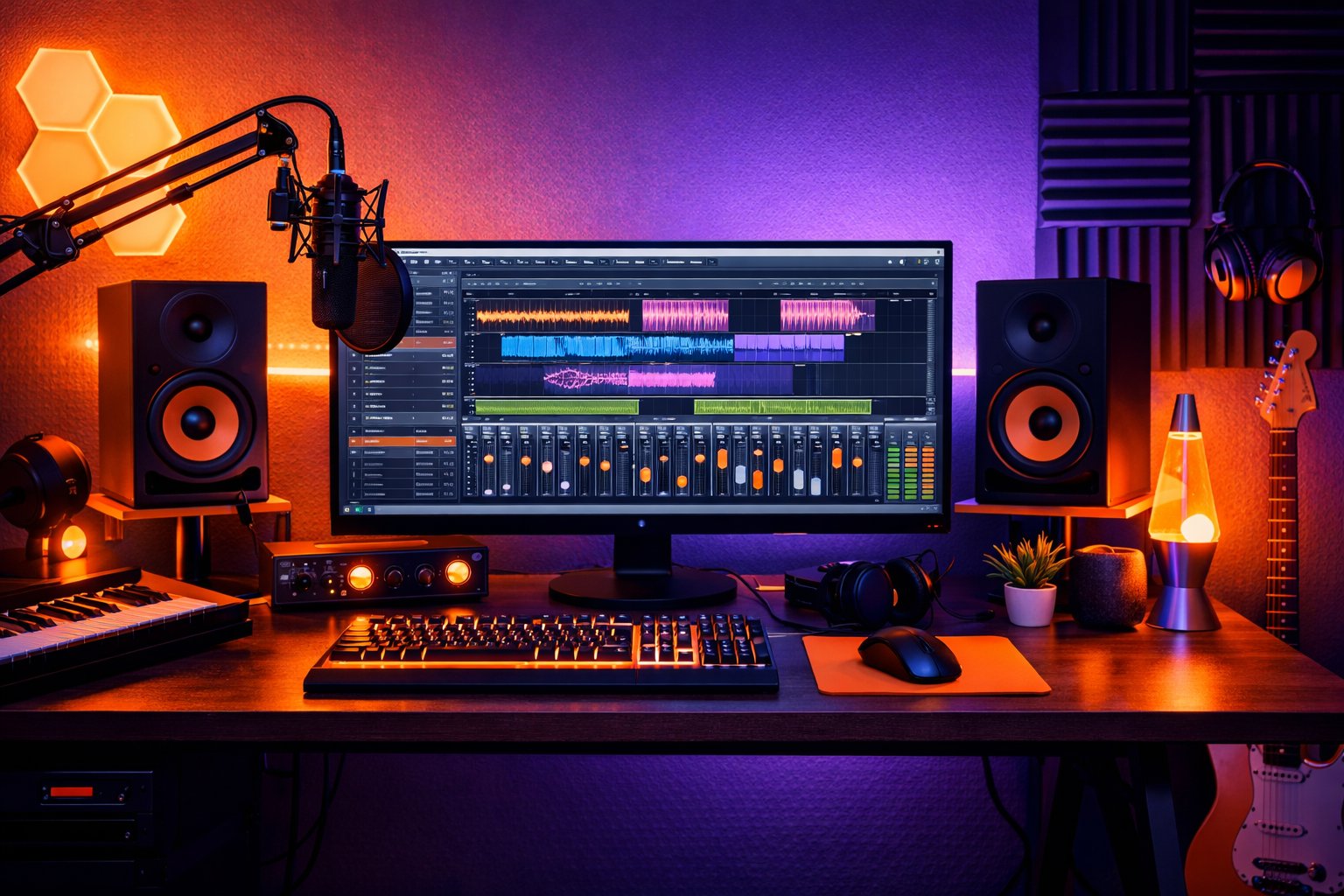
Creating professional-sounding mixes requires mastering fundamental techniques while staying current with modern production methods. This comprehensive guide covers essential mixing techniques used by top audio engineers worldwide.
The Foundation: Preparation and Setup
Project Organization
Before touching any faders, proper preparation is crucial:
- File Management: Organize tracks logically (drums, bass, guitars, vocals)
- Gain Staging: Set proper input levels (-18dBFS for optimal headroom)
- Color Coding: Visual organization by instrument groups
- Reference Tracks: Import commercial references in your genre
- Template Creation: Save optimized session templates
Monitor Setup and Acoustics
Your listening environment directly impacts mixing decisions:
- Near-field monitors at ear level, 60° triangle positioning
- Room treatment: Address first reflection points and bass traps
- Multiple references: Check mixes on various playback systems
- SPL consistency: Mix at moderate levels (75-85 dB SPL)
EQ Techniques: Sculpting Frequency Balance
Subtractive EQ Philosophy
Professional mixing often starts with removal rather than addition:
-
High-Pass Filtering: Remove unnecessary low frequencies
- Vocals: 80-100 Hz
- Guitars: 100-120 Hz
- Drums (non-kick): 40-80 Hz
-
Problem Frequency Removal:
- Muddy frequencies: 200-400 Hz
- Boxy sound: 400-800 Hz
- Harsh frequencies: 2-4 kHz
- Excessive brightness: 8-12 kHz
Advanced EQ Strategies
Dynamic EQ Techniques:
- Use multiband compression for frequency-dependent control
- De-essing with targeted EQ reduction
- Breathing room creation with dynamic low-cut
Mid-Side EQ Processing:
- Widen stereo image by boosting sides in high frequencies
- Tighten bass by reducing low frequencies in sides
- Vocal clarity by processing center channel separately
Complementary EQ:
Creating space between instruments through frequency allocation:
- Kick drum: 60-80 Hz (fundamental), 2-5 kHz (click)
- Bass: 80-200 Hz (body), 500 Hz-2 kHz (presence)
- Snare: 200 Hz (body), 5-10 kHz (crack)
- Vocals: 1-3 kHz (presence), 10-12 kHz (air)
Compression Mastery
Understanding Compression Parameters
Attack Time:
- Fast (0.1-1ms): Controls transients, can reduce punch
- Medium (1-10ms): Natural sound, preserves some transients
- Slow (10-100ms): Allows transients through, controls sustain
Release Time:
- Fast: Can cause pumping but adds energy
- Medium: Natural decay, follows music rhythm
- Slow: Smooth, controlled dynamics
Ratio Settings:
- 1.5:1 to 3:1: Gentle compression for vocals and bass
- 4:1 to 8:1: Noticeable compression for drums and effects
- 10:1+: Limiting for peak control
Advanced Compression Techniques
Parallel Compression:
- Duplicate track or send to aux
- Apply heavy compression to duplicate
- Blend compressed signal with original
- Maintains dynamics while adding consistency
Serial Compression:
Multiple compressors in chain with different purposes:
- First: Fast attack for transient control
- Second: Slow attack for overall level control
Multiband Compression:
Frequency-specific dynamic control:
- Low band: Control bass frequencies (20-200 Hz)
- Mid band: Vocal and instrument clarity (200-2000 Hz)
- High band: Presence and air (2000+ Hz)
Spatial Processing: Reverb and Delay
Reverb Selection and Application
Reverb Types and Usage:
- Hall: Large spaces, orchestral, ambient music
- Plate: Vocals, drums, vintage character
- Room: Natural space, drums, instruments
- Spring: Vintage guitar sounds, special effects
- Algorithmic: Flexible, modern digital sounds
Professional Reverb Techniques:
- Pre-delay: 10-50ms creates separation from dry signal
- EQ reverb returns: High-pass at 200-400 Hz, low-pass at 8-12 kHz
- Reverb compression: Control reverb dynamics
- Gated reverb: Create specific reverb shapes
Delay Applications
Timing-Based Effects:
- Slap delay: 80-120ms for vocal thickening
- Eighth note: Musical timing for rhythmic interest
- Quarter note: Spacious, ambient effects
- Dotted eighth: Complex rhythmic patterns
Stereo Delay Techniques:
- Ping-pong: Alternating left/right delays
- Offset timing: Different delay times L/R for width
- Filtered delays: EQ different delay taps
Modern Mixing Workflows
Bus Processing Strategy
Drum Bus Processing:
- Gentle compression (3:1, slow attack)
- Subtle EQ enhancement
- Harmonic saturation for glue
- Parallel compression for punch
Mix Bus Processing:
- EQ: Subtle tone shaping
- Compression: 1.5-3:1 ratio, slow attack
- Saturation: Analog warmth simulation
- Limiting: Peak control for loudness
Automation Techniques
Volume Automation:
- Vocal riding for consistent presence
- Instrument balance throughout song sections
- Dynamic range enhancement
- Creating movement and interest
Filter Automation:
- Build ups and breakdowns
- Frequency sweeps for transitions
- Creative effects and modulation
Effect Automation:
- Reverb throws on vocal phrases
- Delay feedback manipulation
- Distortion engagement for sections
Genre-Specific Mixing Approaches
Pop Music Mixing
Characteristics:
- Bright, polished sound
- Present vocals
- Punchy drums
- Wide stereo image
Key Techniques:
- Heavy vocal compression and de-essing
- Sidechain compression on bass/pads
- Harmonic excitement on mix bus
- Stereo widening on background vocals
Rock Music Mixing
Characteristics:
- Powerful, aggressive dynamics
- Guitar-focused arrangements
- Driving rhythm section
- Raw energy preservation
Key Techniques:
- Minimal compression on drums
- Guitar layering and panning
- Bass/kick separation techniques
- Preservation of transients
Electronic Music Mixing
Characteristics:
- Precise frequency separation
- Deep, controlled bass
- Detailed high frequencies
- Creative sound design integration
Key Techniques:
- Surgical EQ for frequency conflicts
- Sidechain compression for groove
- Stereo width manipulation
- Harmonic layering techniques
Advanced Processing Techniques
Harmonic Enhancement
Saturation Types:
- Tape: Warm, musical harmonics
- Tube: Rich, even-order harmonics
- Transistor: Aggressive, odd-order harmonics
- Digital: Clean, controlled saturation
Stereo Enhancement
Width Techniques:
- Haas effect: 5-40ms delays for width
- Mid-side processing: Independent center/sides control
- Stereo imaging plugins: Controlled width adjustment
- Chorus/flanging: Modulation-based width
Dynamic Enhancement
Transient Processing:
- Attack enhancement for punch
- Sustain control for clarity
- Frequency-dependent transient shaping
- Parallel transient processing
Quality Control and Finishing
Mix Validation Process
- Multiple playback systems: Headphones, car, phone speakers
- Mono compatibility: Check for phase issues
- Loudness standards: Measure integrated LUFS
- Dynamic range: Maintain appropriate DR values
- Frequency balance: Use spectrum analysis tools
Professional Standards
Loudness Targets:
- Streaming: -14 LUFS integrated
- Broadcast: -23 LUFS integrated
- Mastering prep: -18 to -16 LUFS integrated
Dynamic Range:
- Pop/Rock: DR 6-10
- Jazz/Classical: DR 12-20
- Electronic: DR 4-8
Common Mixing Mistakes to Avoid
- Over-processing: Less is often more
- Mixing too loud: Maintain proper monitoring levels
- Ignoring phase relationships: Check mono compatibility
- Frequency masking: Create space between instruments
- Inconsistent levels: Use proper gain staging
- Over-reliance on solo: Mix in context
- Ignoring the arrangement: Sometimes mixing can't fix poor arrangement
Technology Integration
AI-Assisted Mixing
Modern AI tools can accelerate workflow:
- Intelligent EQ suggestions based on frequency analysis
- Automatic gain staging for optimal levels
- Reference matching for tonal consistency
- Stem separation for remix projects
Cloud-Based Collaboration
Professional workflows increasingly include:
- Real-time collaboration platforms
- Version control systems
- Cloud storage for project sharing
- Remote monitoring and feedback systems
Conclusion
Professional mixing combines technical knowledge with artistic sensibility. Master these fundamental techniques while staying open to new technologies and methods. Remember that every mix is unique – use these techniques as starting points, but always let your ears make the final decisions.
The key to professional mixing is practice, critical listening, and continuous learning. Start with these techniques, develop your ear through experience, and gradually build your personal mixing style.
Whether you choose to mix manually using these techniques or leverage AI-powered platforms like MixingMusic.ai, understanding these fundamentals will make you a better producer and help you achieve consistently professional results.